
Where: Employment › Employees.
Choose the employer
Every tab under Employees works on one employer at a time.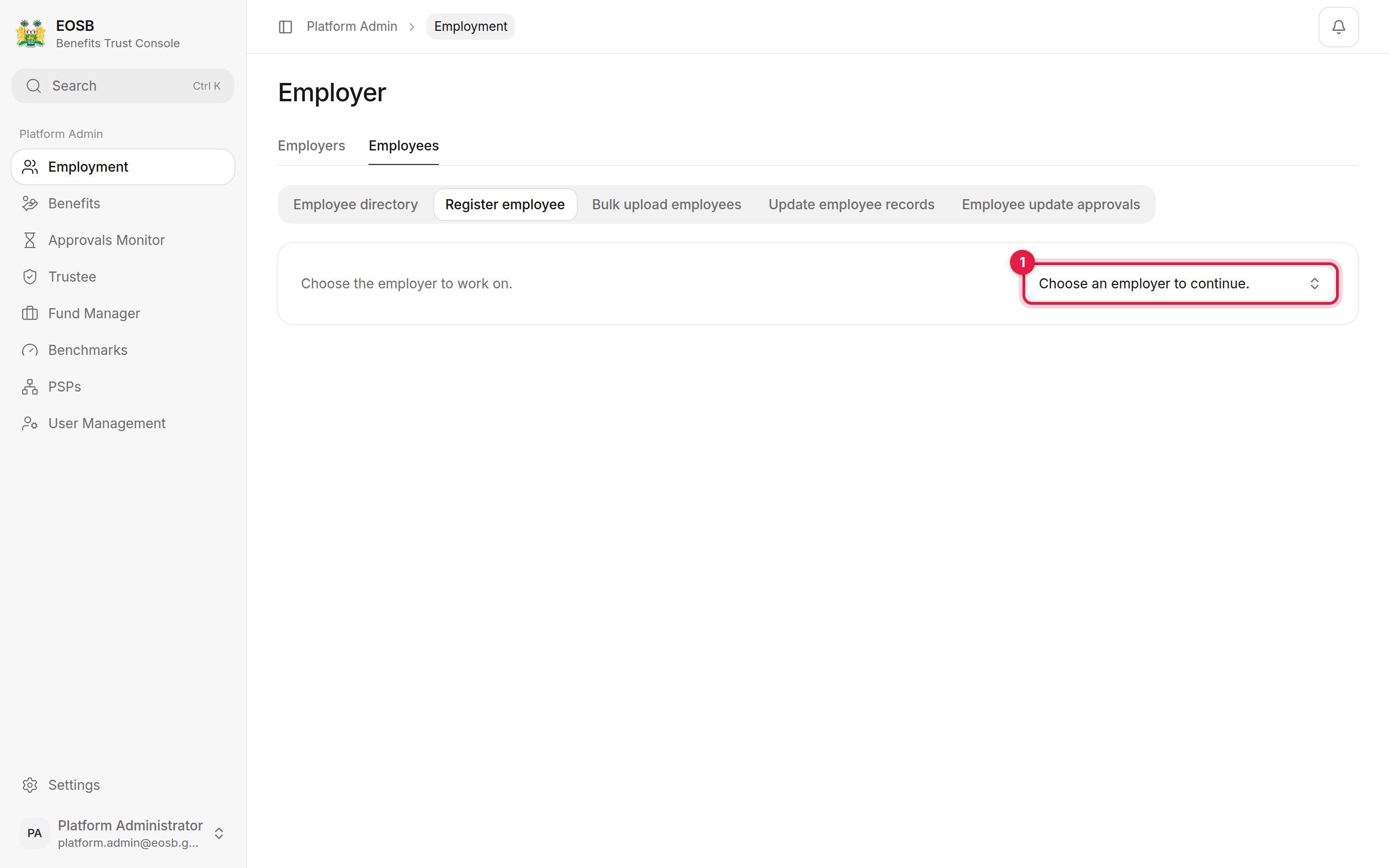
Choose the employer first
The tabs
You can reach the same employee screens from an employer’s record: Open employer records, then Employee list.
What you register or change is recorded under your username, not the employer’s.
Decide on employee record changes
Changes to an employee’s salary, start date or payment details affect their benefit, so they wait for approval before they apply. They are listed under Employee update approvals for the employer you choose.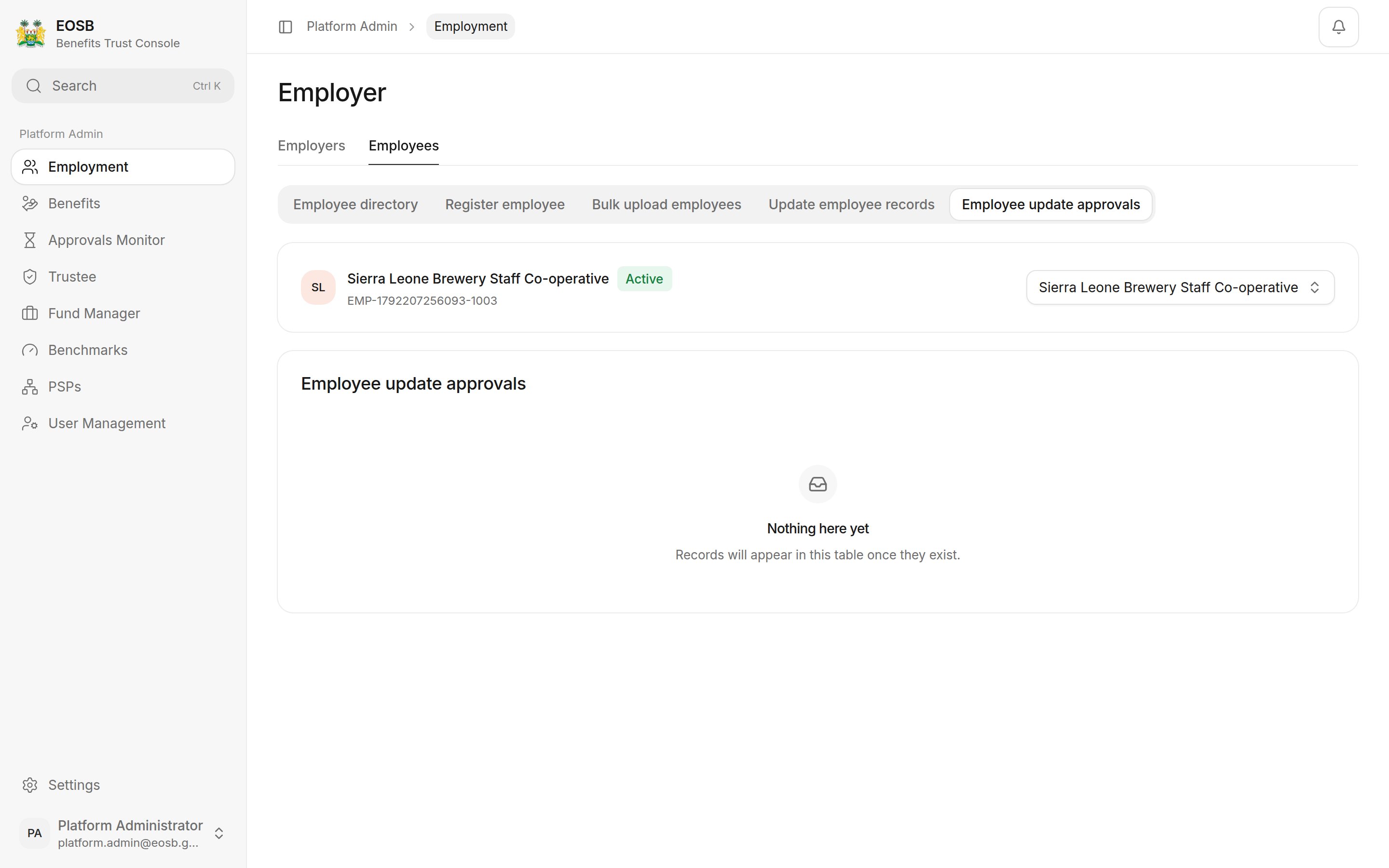
No changes waiting for this employer
- Optionally type a comment.
- Select Approve update to apply the change, or Reject update to discard it.
Good to know: what to check before approving
Good to know: what to check before approving
- Salary or start date — these change the employee’s whole benefit, including past service. Ask the employer for evidence such as a payslip or contract if the change is large.
- Payment details — this is where the benefit will be paid. Check the account belongs to the employee.