
Where: Employer › Employee list. Before you start: your account must be Active to add employees.
Before you have employees
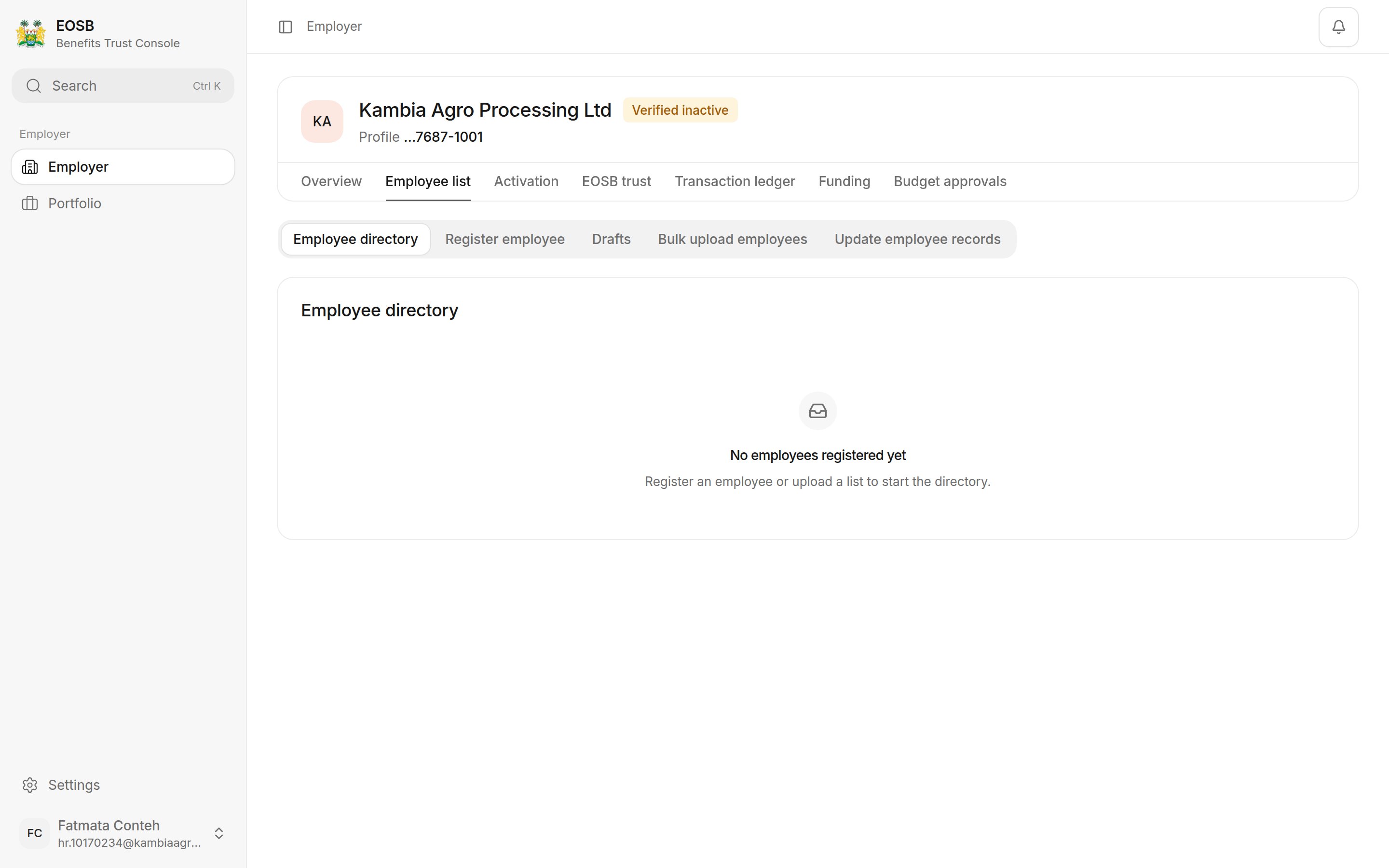
An empty directory
Find an employee
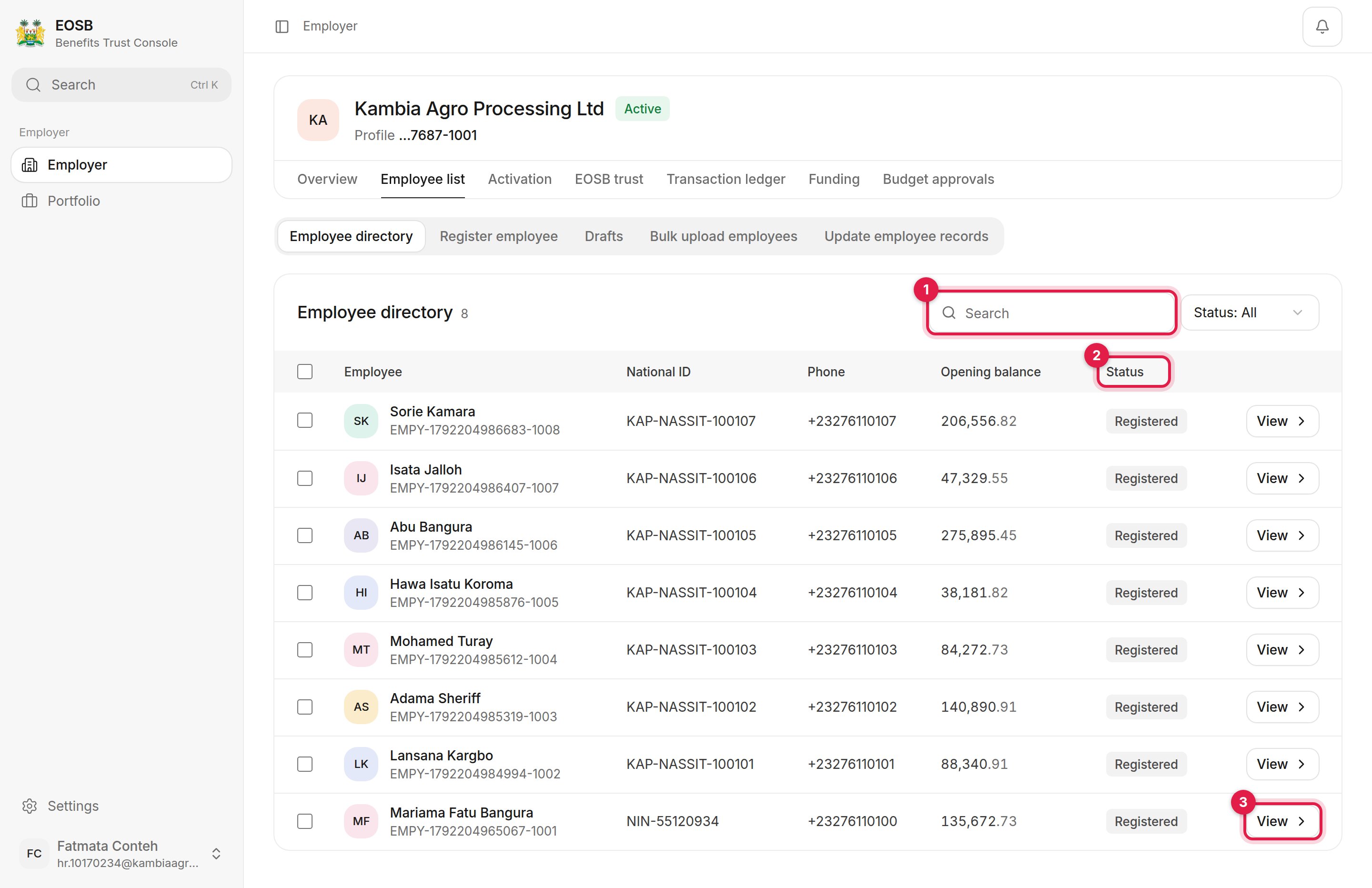
The employee directory
- Search by name, employee ID, national ID or phone number.
- Status filters the list, for example to show only Registered or Terminated employees.
- View opens the employee record.
Generate opening balances for several employees
The platform calculates an employee’s opening balance automatically when you register them. If an employee shows Not generated in the Opening balance column, you can generate it here for several employees at once.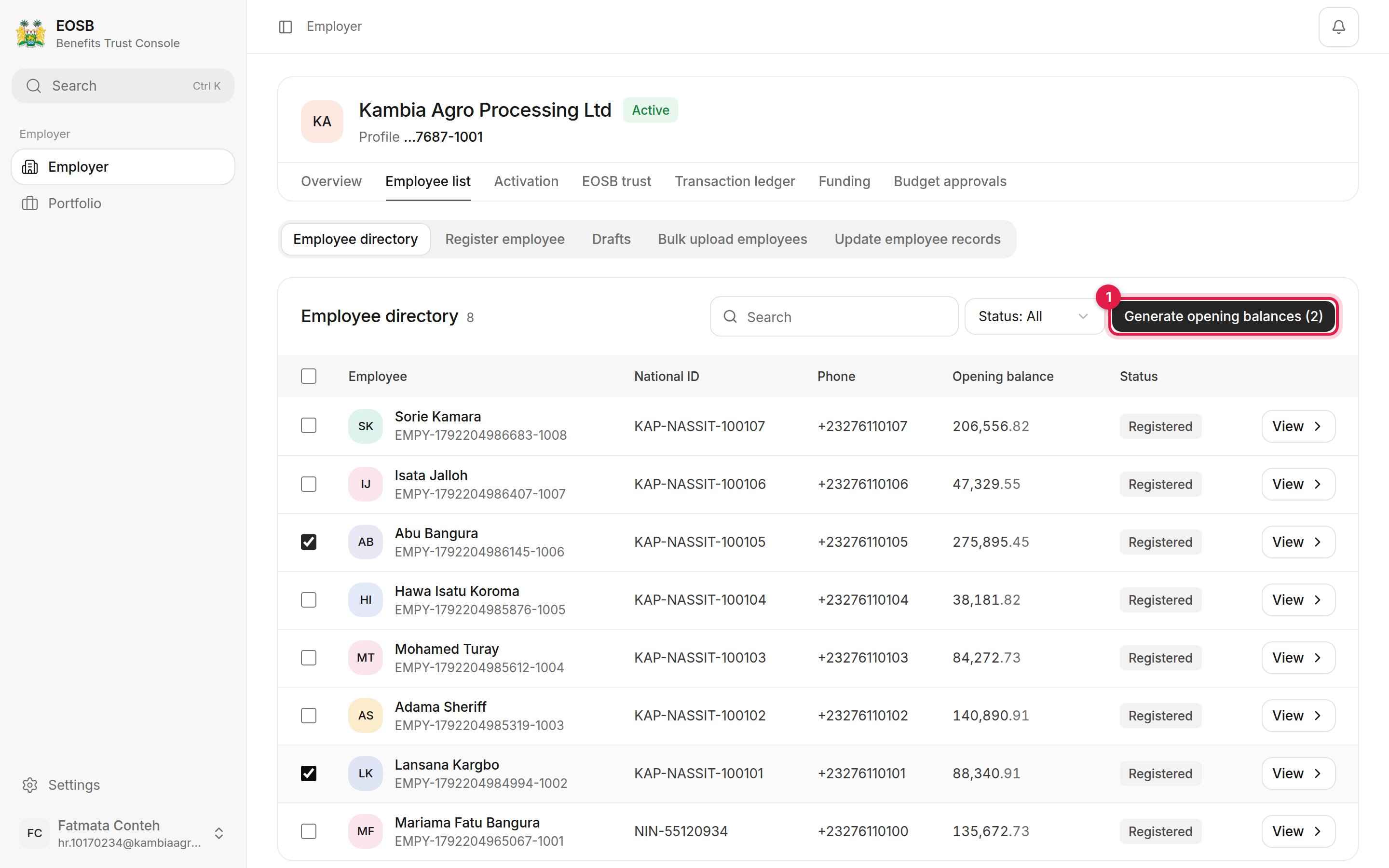
Two employees selected
1
Tick the employees
Tick the box at the start of each row, or the box in the heading row to select everyone.
2
Select Generate opening balances (1)
The button shows how many employees are selected.
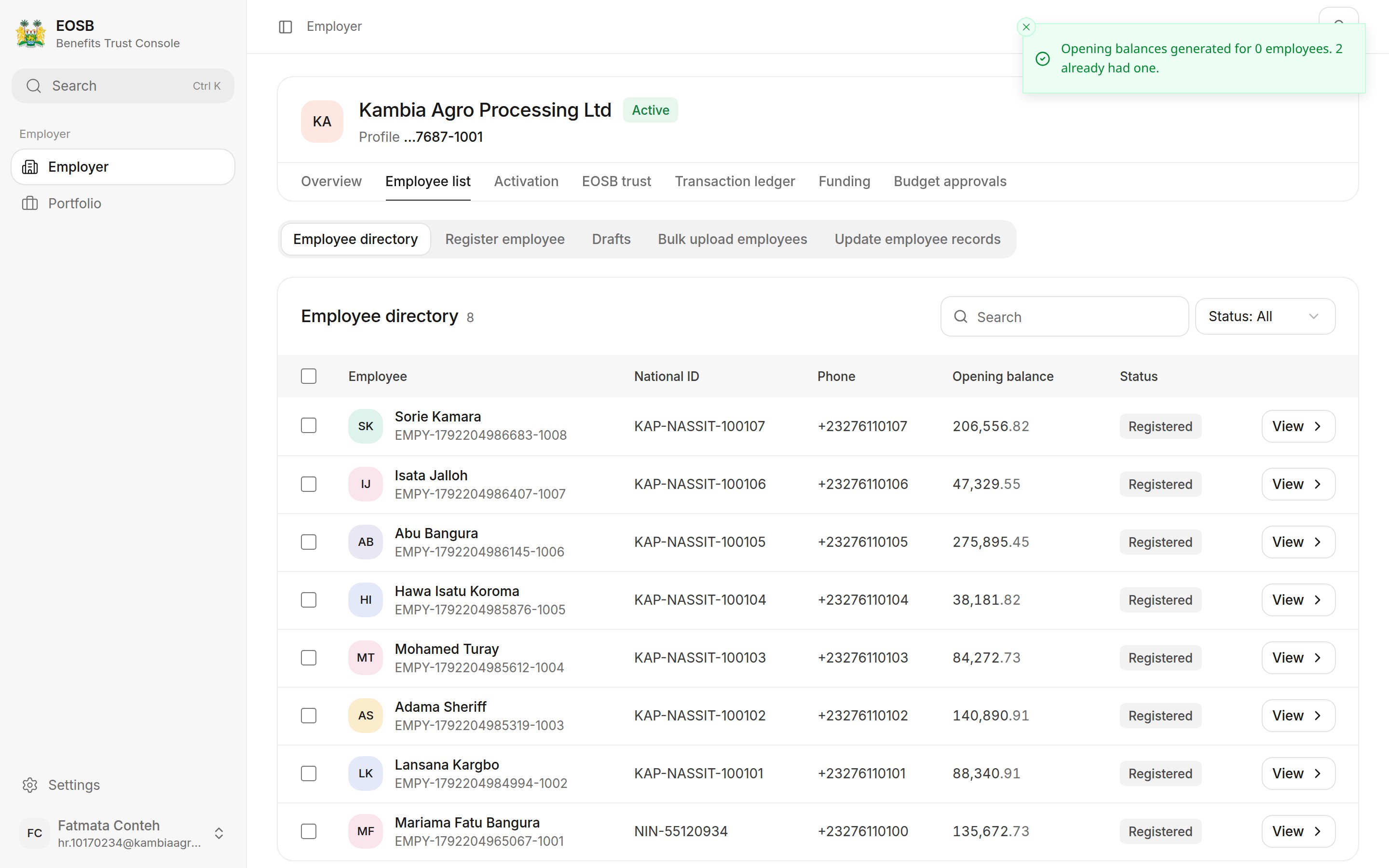
Employees who already had a balance are skipped
Good to know: employee statuses
Good to know: employee statuses