
Where: the link in your account email. Before you start: the regulator must have approved your organisation’s registration — the platform sends the email automatically when it does.
- your username — your employer profile ID, for example
EMP-1792204467687-1001 - a Set your password link
Choose a password
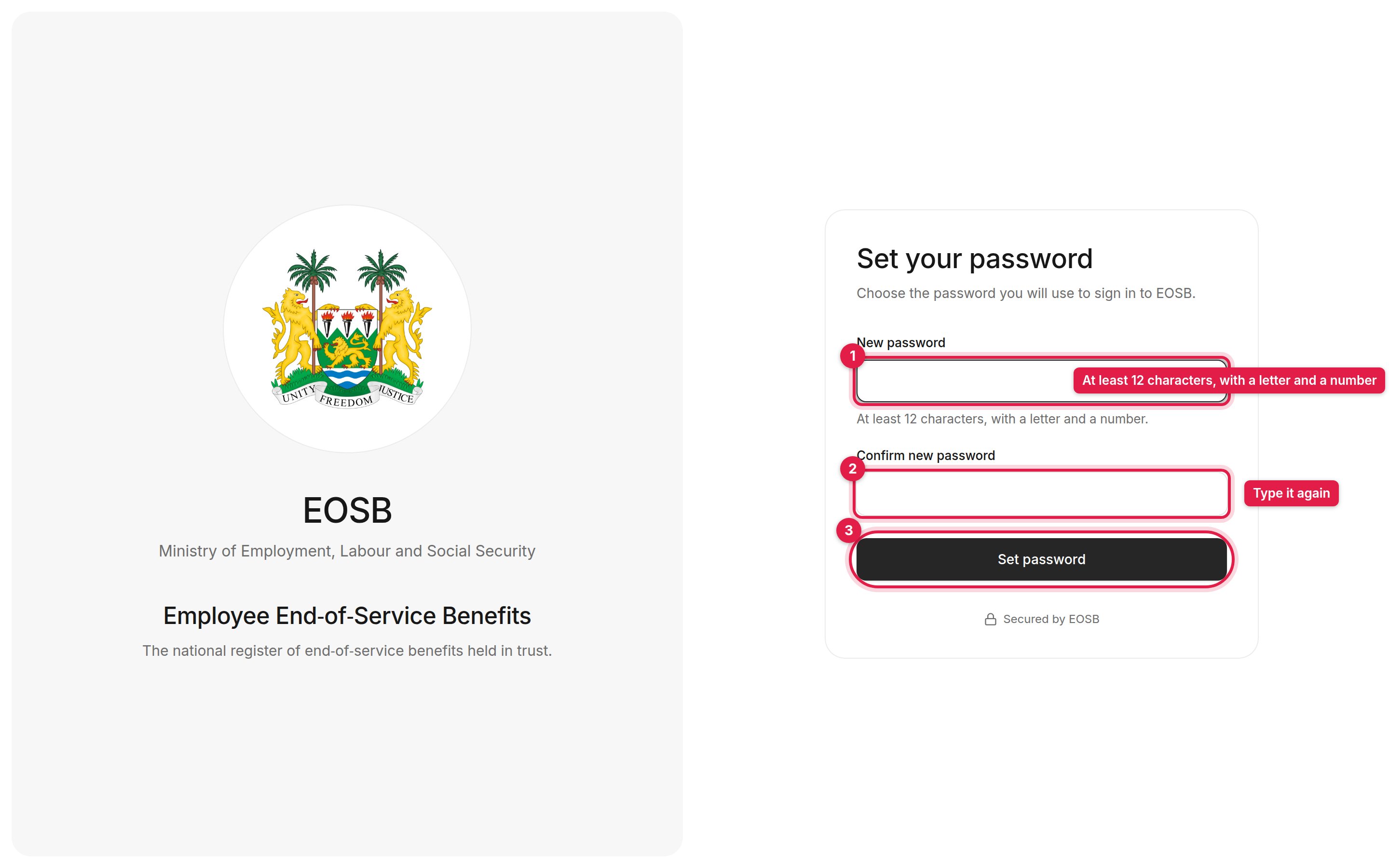
The Set your password page
1
Enter a new password (1)
Use at least 12 characters, including at least one letter and one number. Select the eye icon to show what you typed.
2
Type the same password again (2)
Enter it in Confirm new password.
3
Select Set password (3)
The page confirms the password is set.
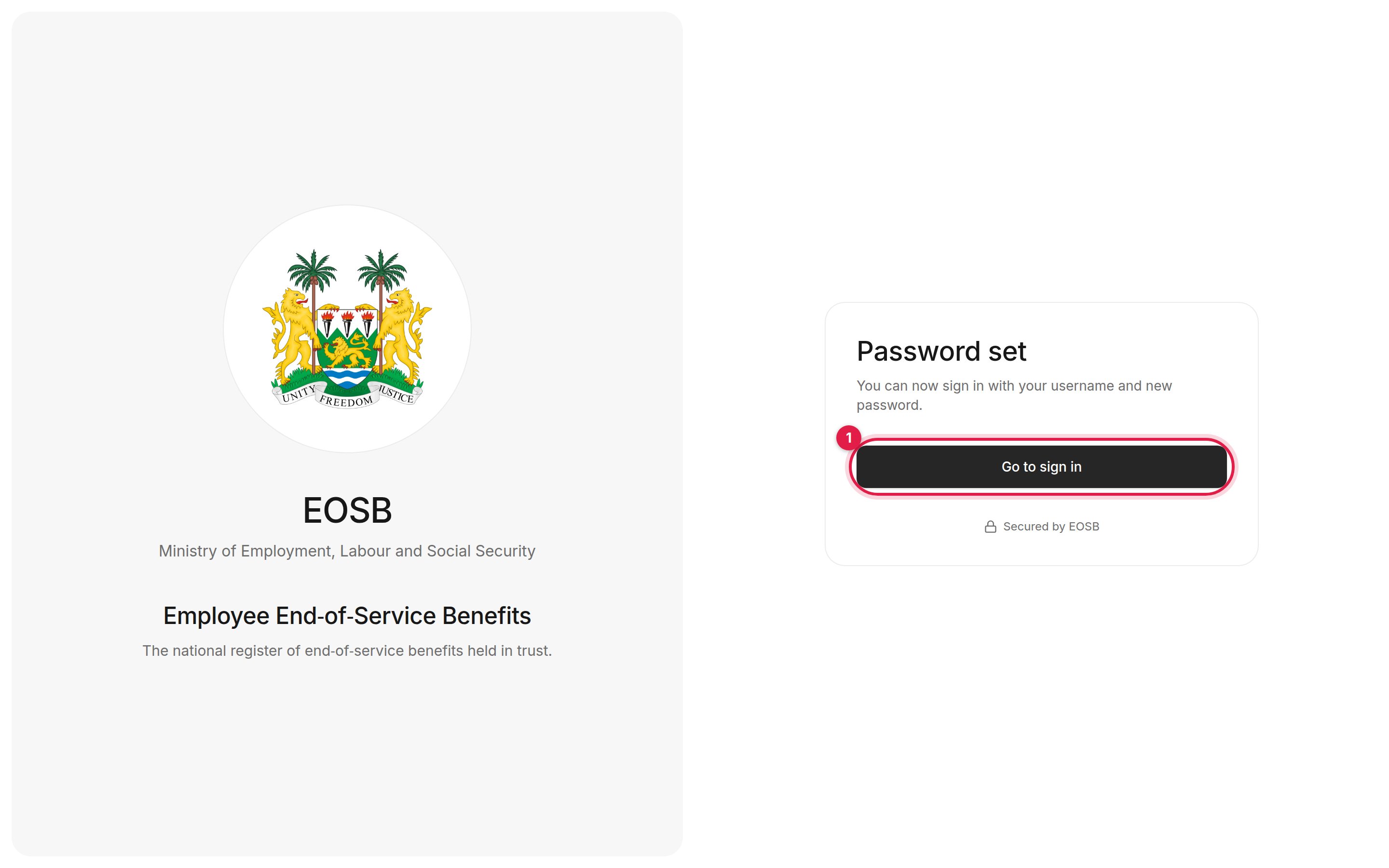
Password set
If something goes wrong
The two passwords do not match
The two passwords do not match
The two fields must be identical. Retype both and try again.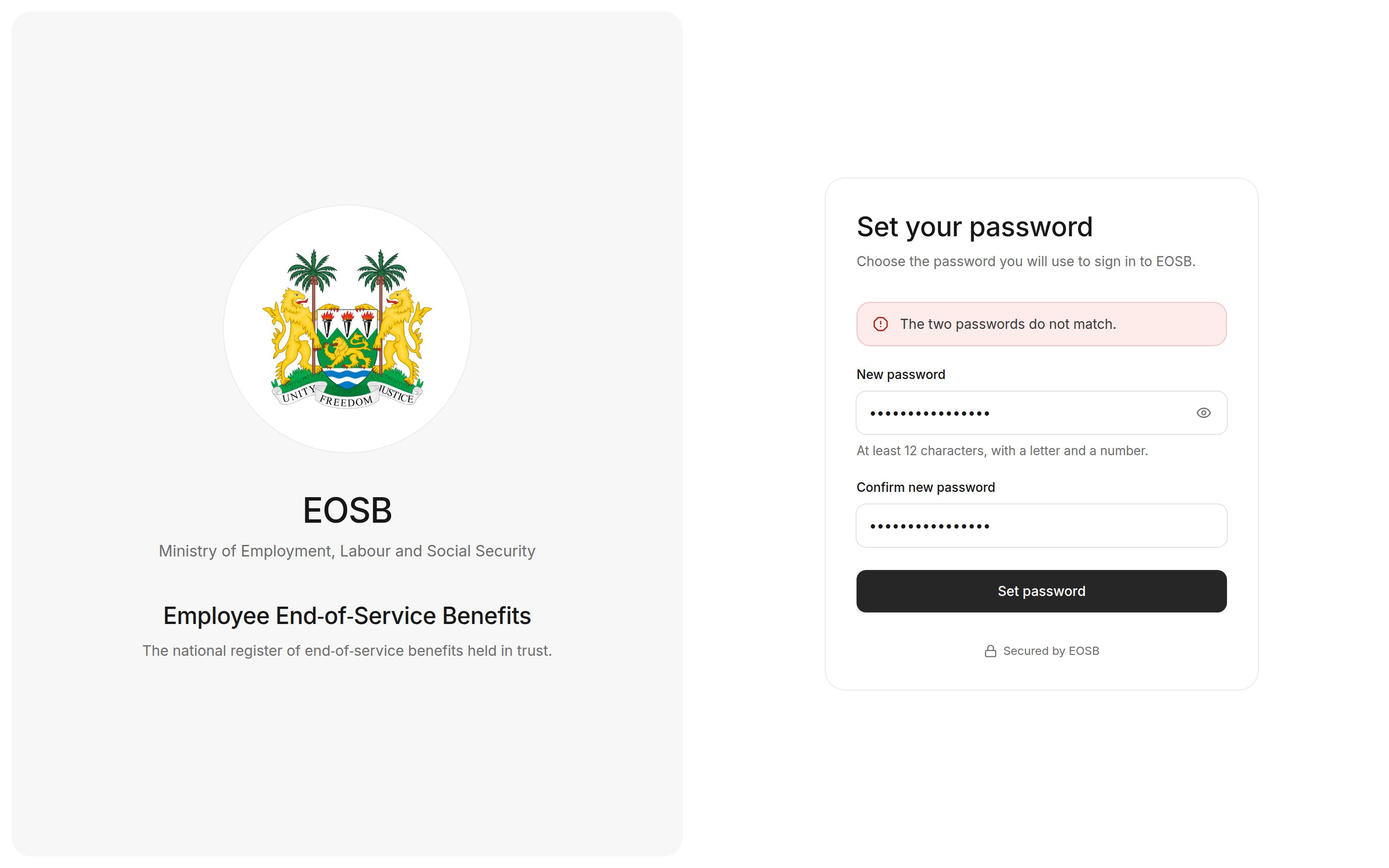
This link has expired or has already been used
This link has expired or has already been used
Each link can set a password only once. If you have already set your password, go to the sign-in page. Otherwise, ask the platform administrator to send a new link.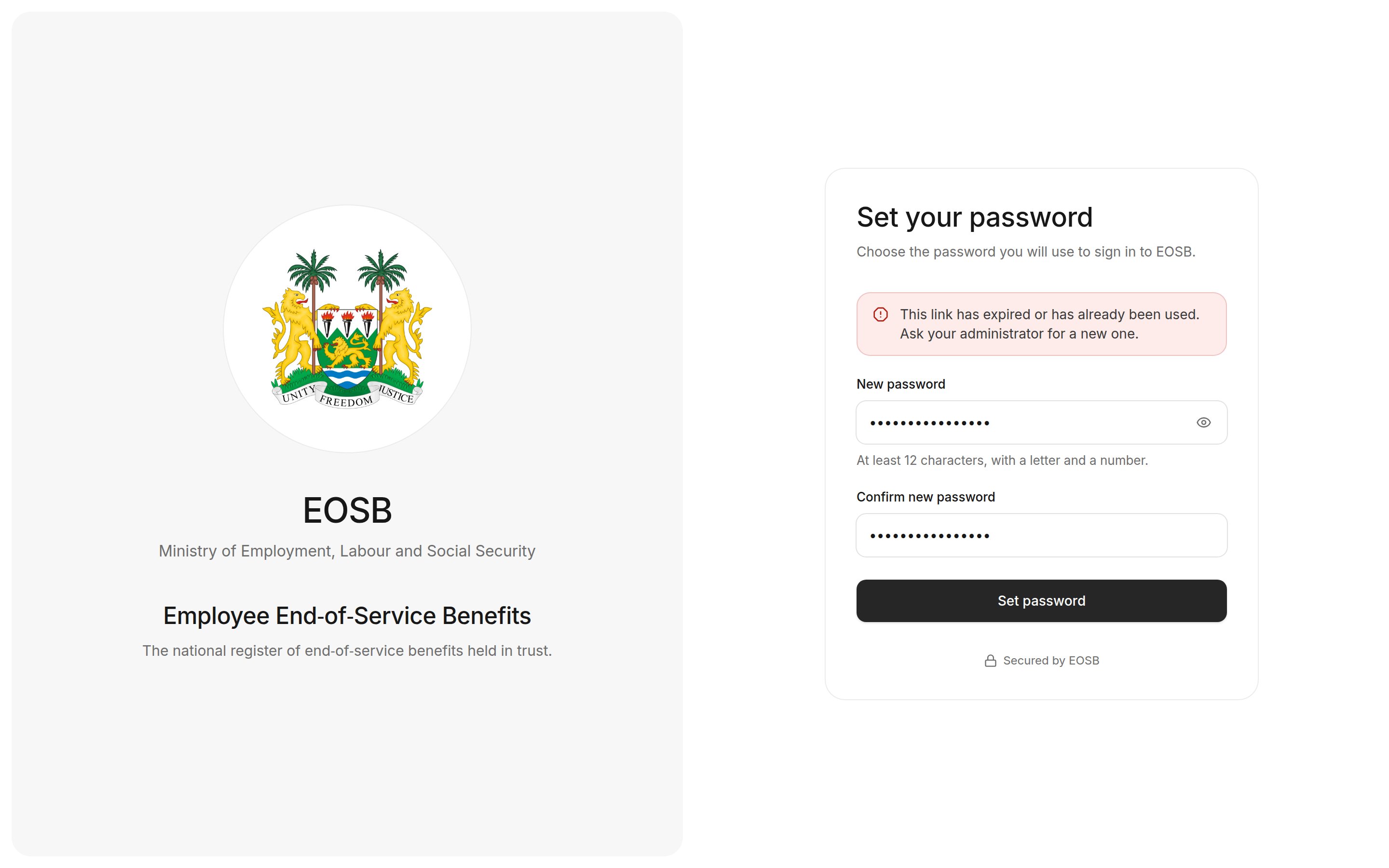
Password must be at least 12 characters and include a letter and a number
Password must be at least 12 characters and include a letter and a number
Choose a longer password that mixes letters and numbers.