
Where: Employer › Activation tab.
Check your activation progress
Select the Activation tab. Each requirement shows Passed or Missing, with a short explanation under Evidence. The list is read-only.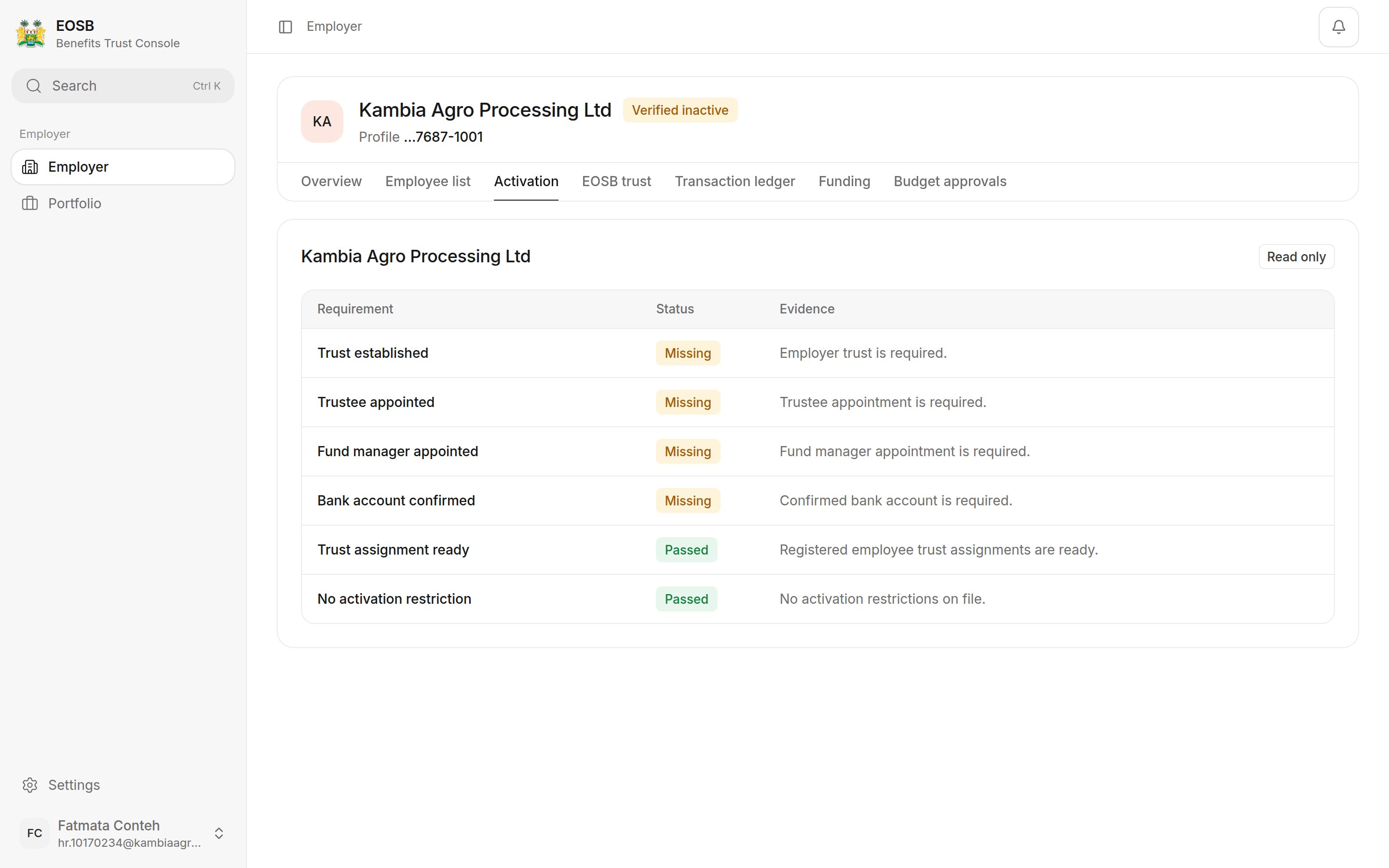
A newly verified employer: 2 of 6 checks passed
If a check stays Missing for longer than expected, contact the EOSB platform administrator and quote your employer profile ID.
When your account is active
Once every check passes, the administrator activates your account. You receive an Employer account activated notification, and your status changes to Active.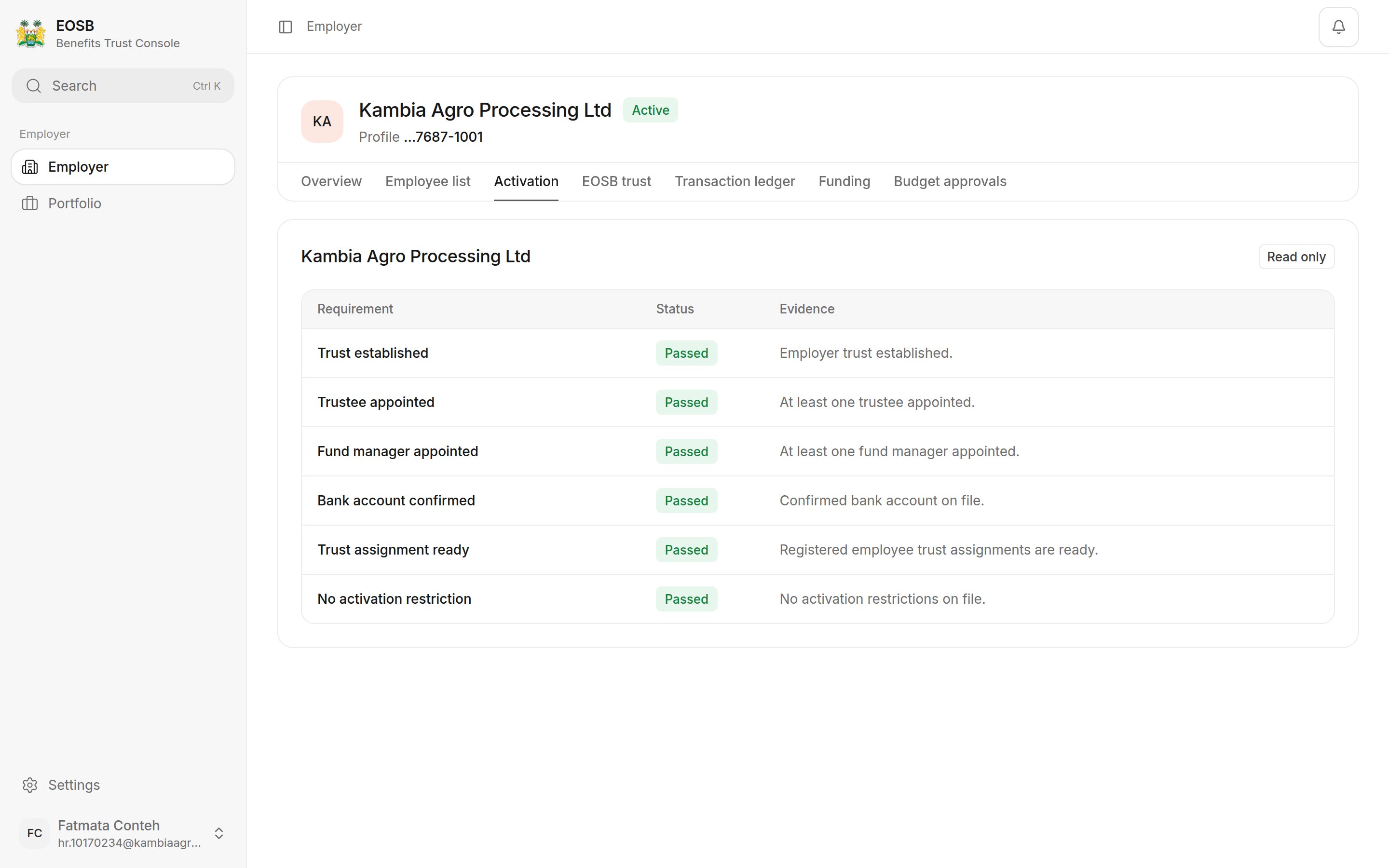
All six checks passed
Status meanings
Good to know: why each check matters
Good to know: why each check matters
Every employee’s benefit has to be held somewhere, so the platform will not take employees or money until the trust is complete. The trust is where the benefits are held, the trustee confirms every payment into it, the fund manager invests it, and the bank account is where your payments go. Trust assignment ready confirms every employee has a trust to belong to. No activation restriction confirms nothing has been recorded against your account.