
Where: Employer › Employee list › select View on the employee’s row.
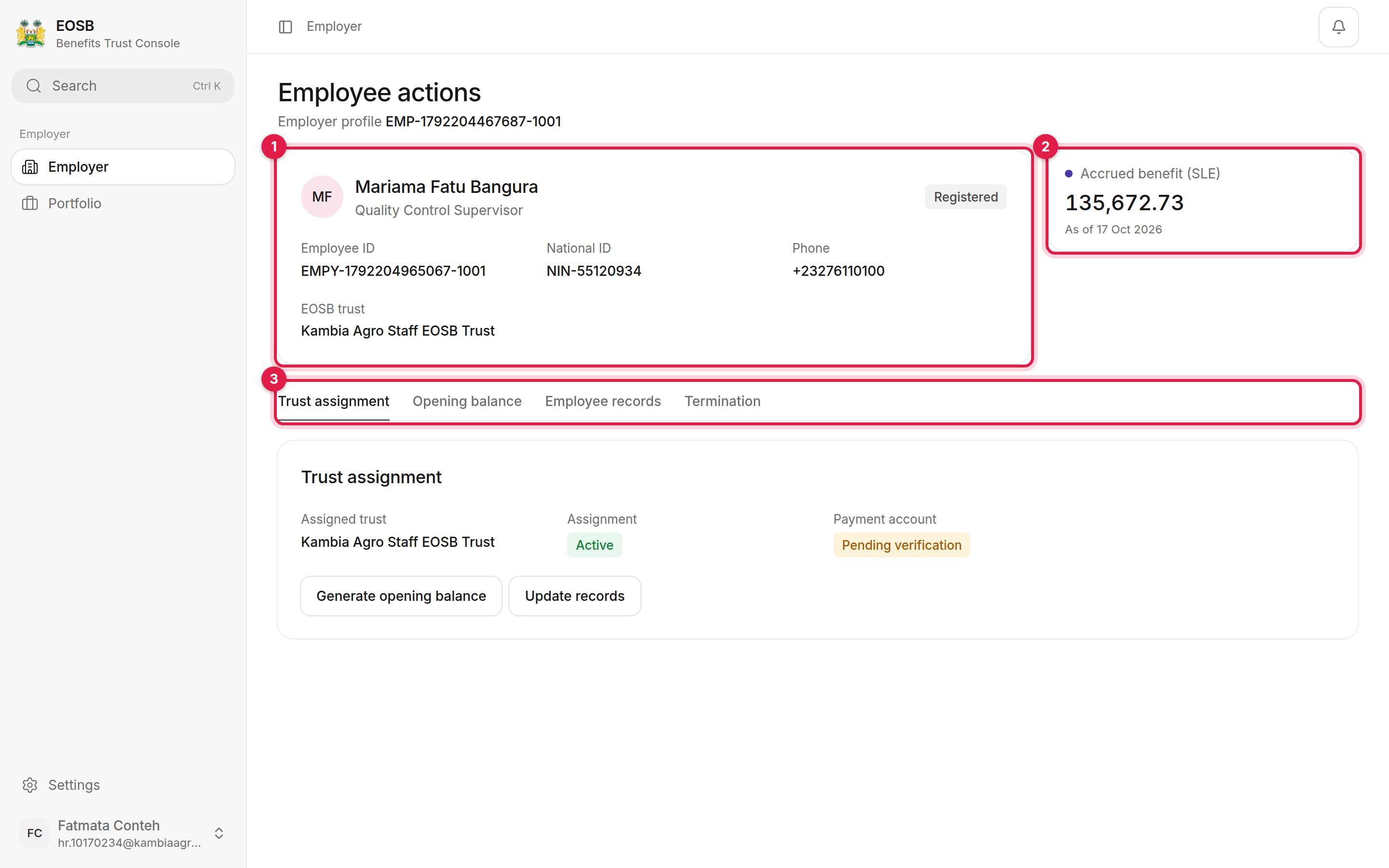
An employee record
- Employee summary. Name, job title, status, employee ID, national ID, phone and the EOSB trust they belong to.
- Accrued benefit (SLE). What the employee has earned so far, and the date it was calculated.
- Tasks. Trust assignment, Opening balance, Employee records and Termination.
Trust assignment
Employees are assigned to your active EOSB trust automatically when they are registered. The Trust assignment tab shows:- Assigned trust — the trust that holds the employee’s benefit
- Assignment — Active when the assignment is in force
- Payment account — whether the employee’s payout account is verified, for example Pending verification
Opening balance
The opening balance is the benefit the employee earned before they were added to the platform. It is calculated from their start date and salary and posted to your transaction ledger.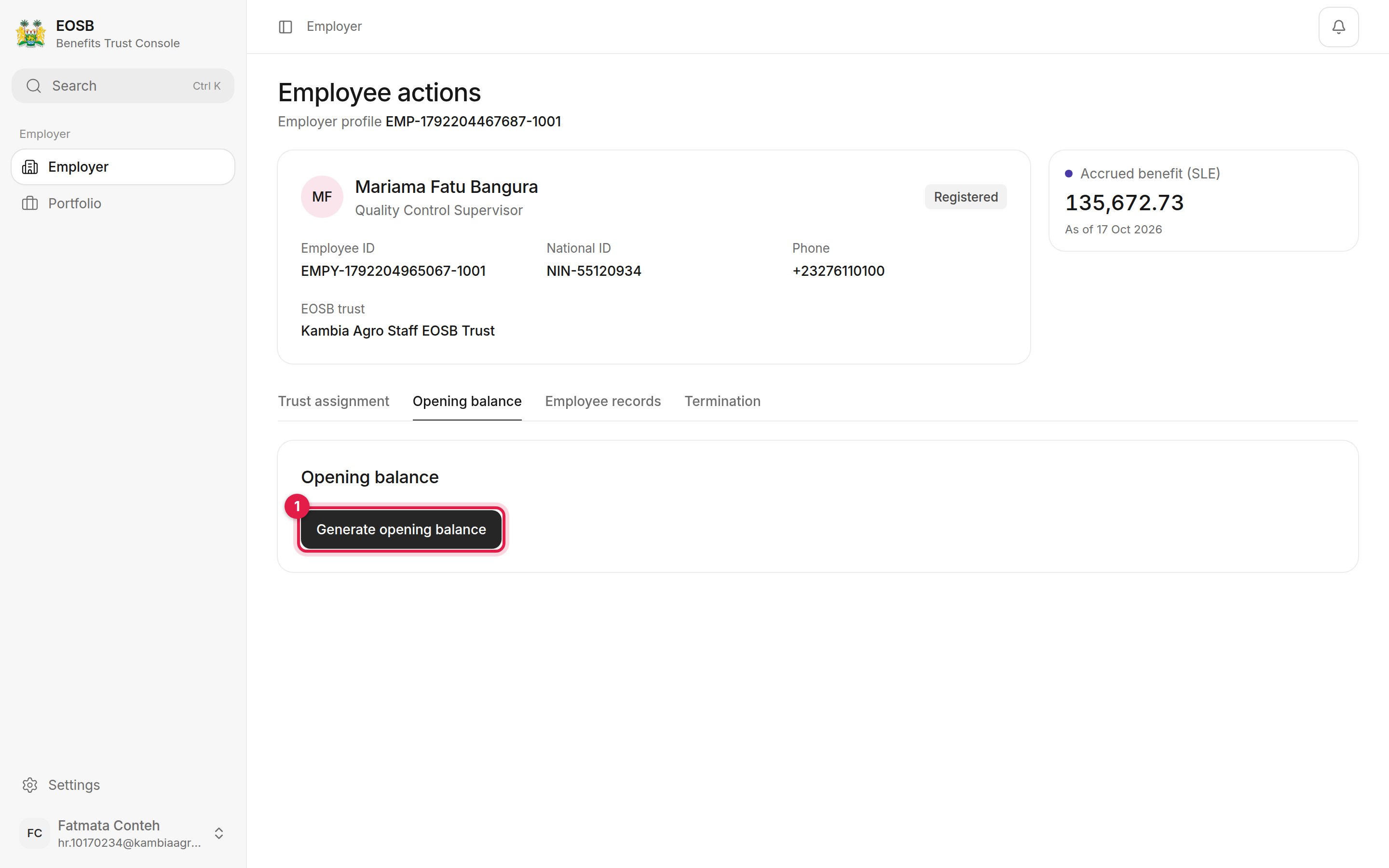
The Opening balance tab
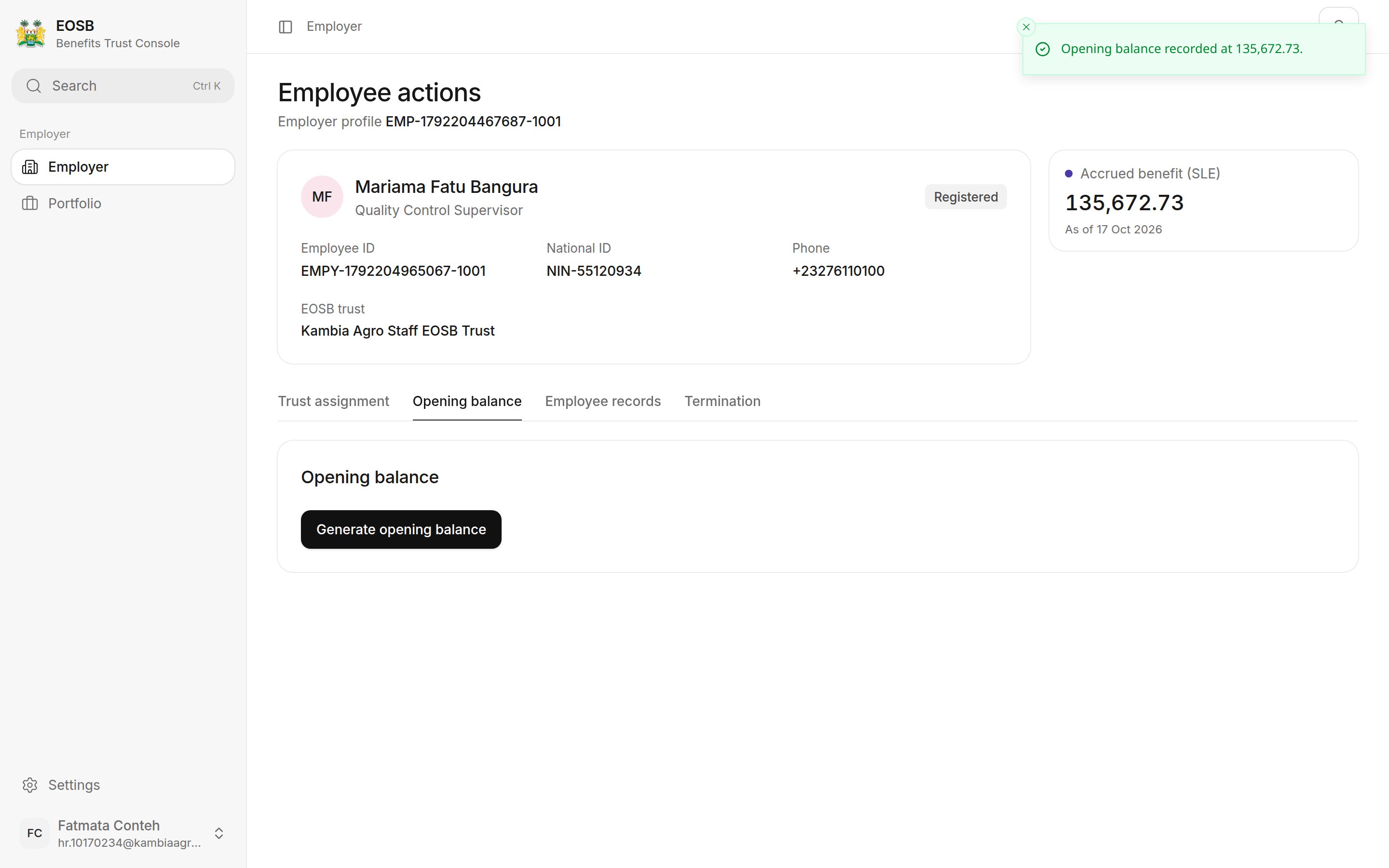
Opening balance recorded
The platform already generates the opening balance at registration, so you normally only need this button if the directory shows Not generated for the employee. Selecting it again recalculates the balance as at the same date; it does not add another entry to the ledger.
Employee records and termination
- To change contact, employment or payout details, see Update employee records.
- To end an employee’s service, see Terminate an employee.