
The employer journey
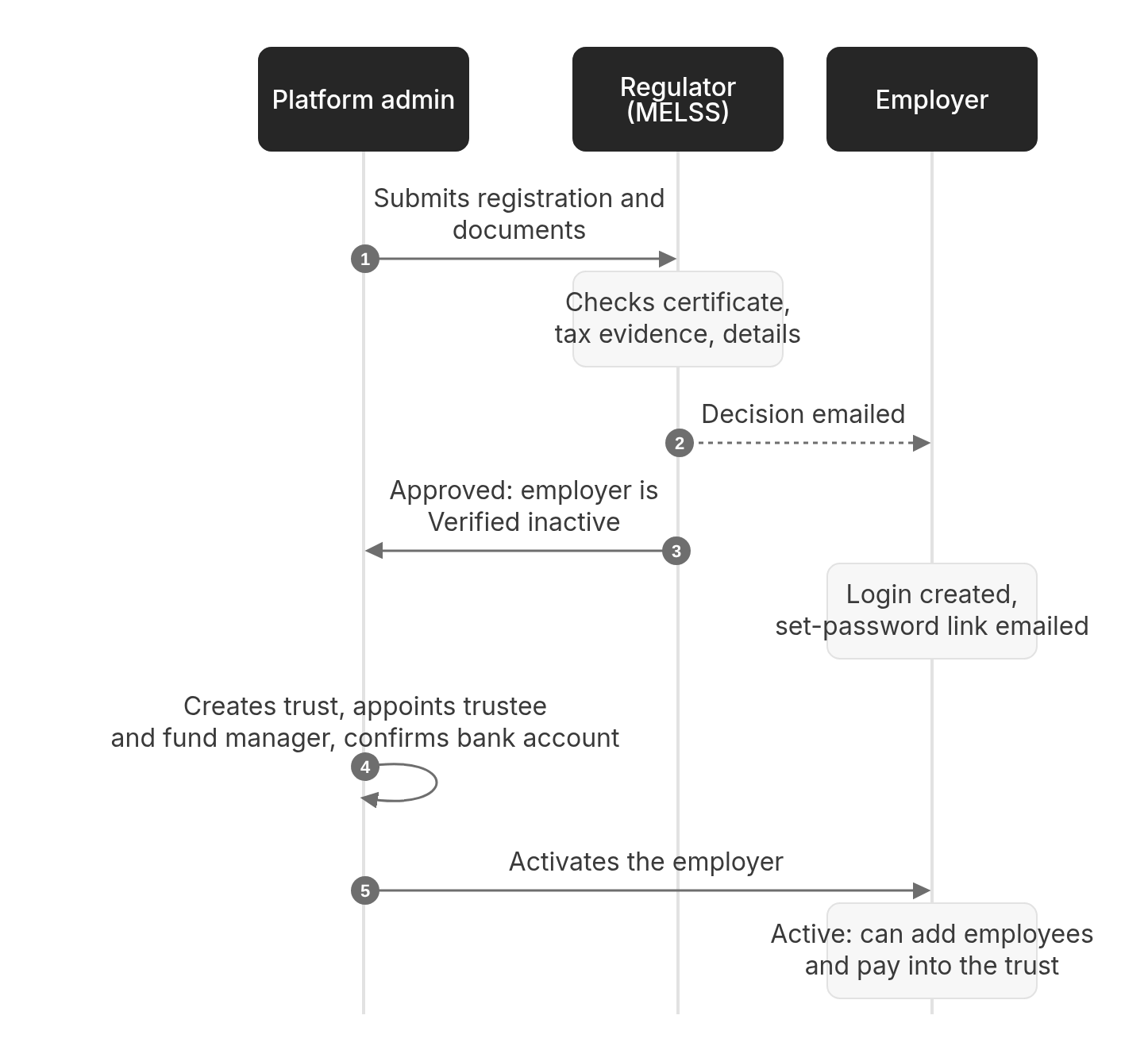
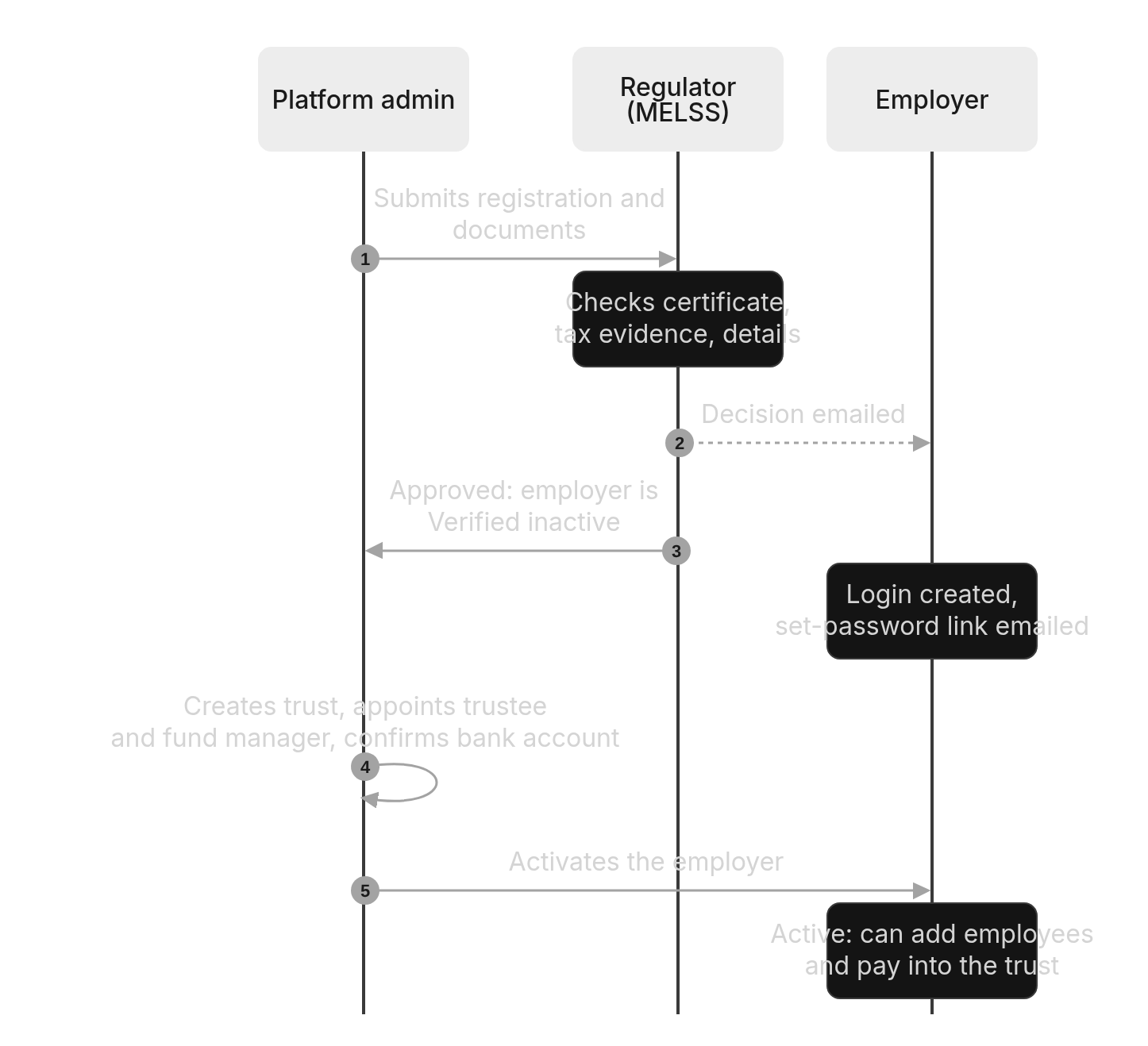
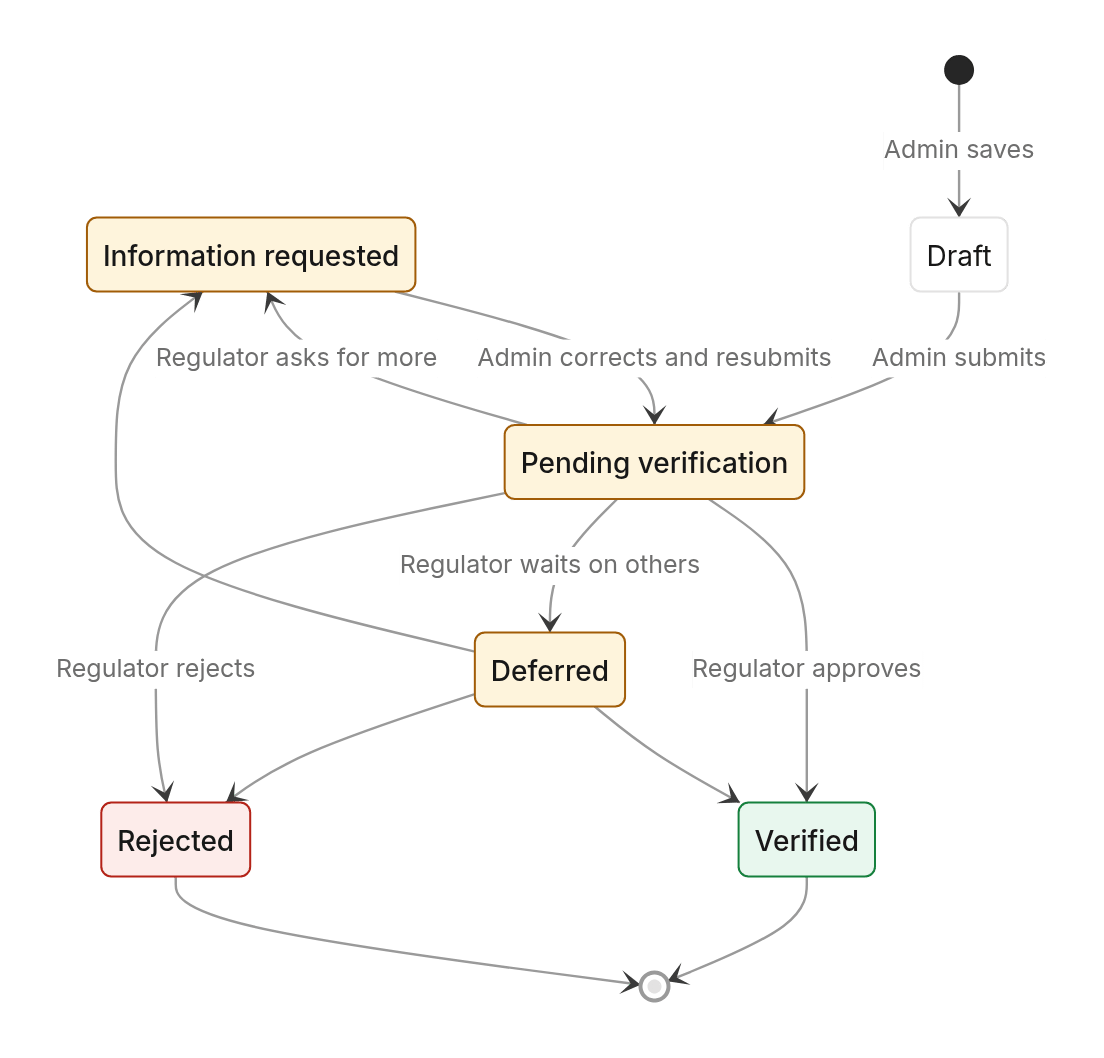
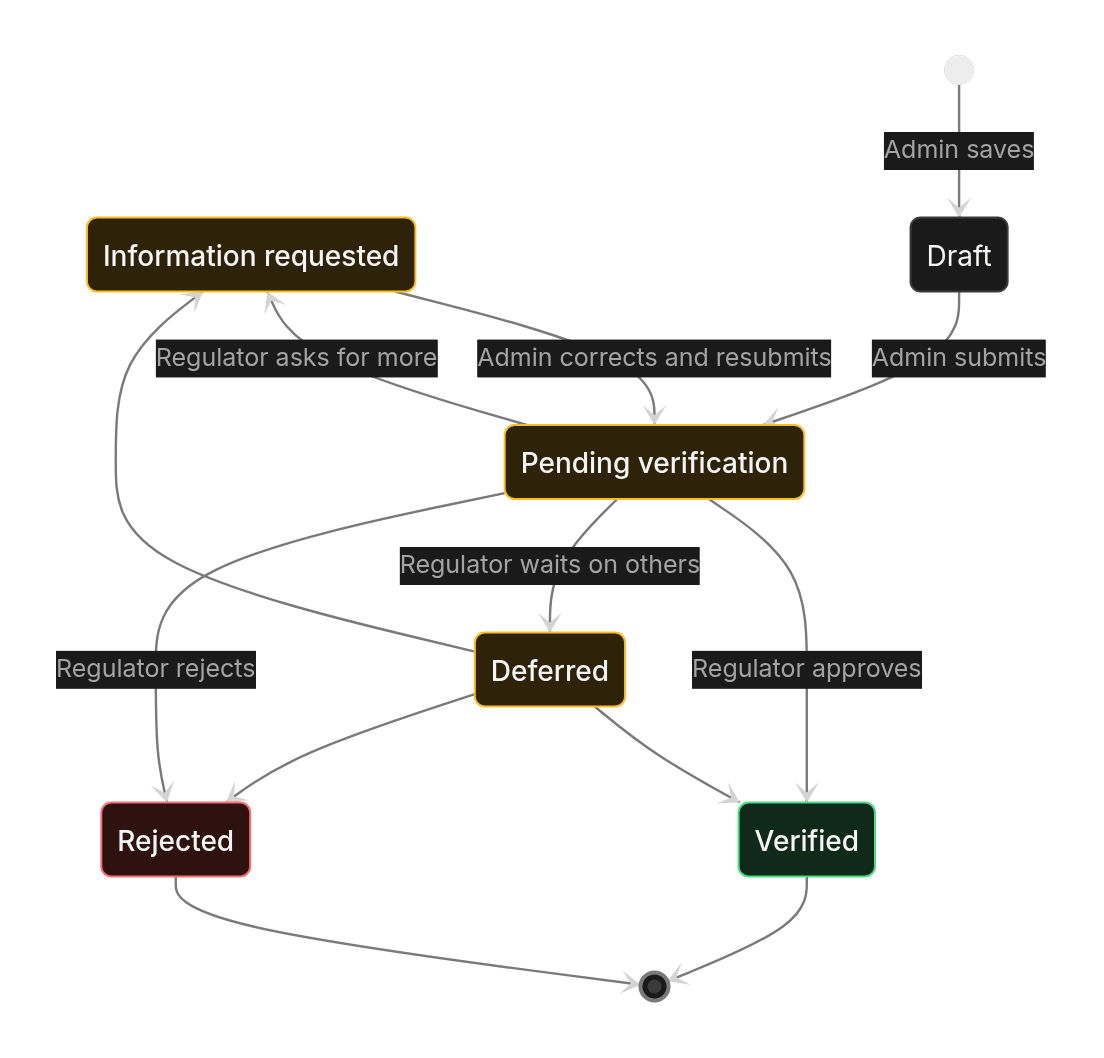
Registration statuses
The employer’s operating status
After verification, the employer has an operating status:The six readiness checks
The administrator can only activate when all six pass:Trustees and fund managers
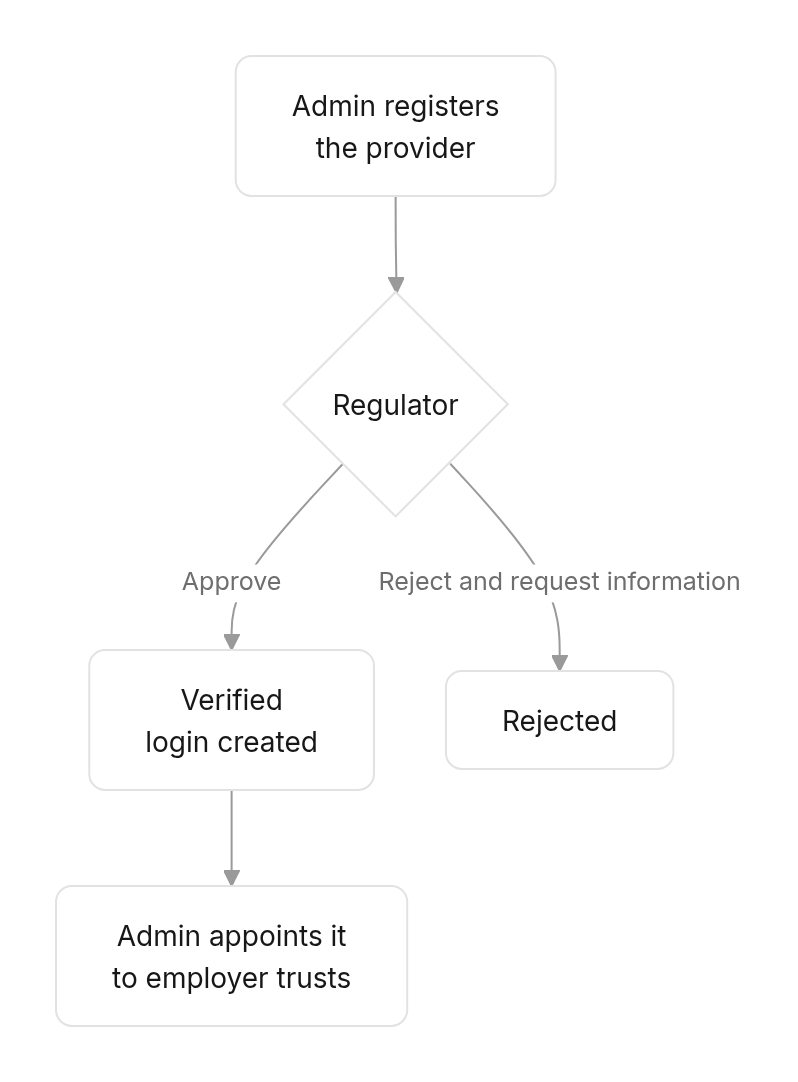
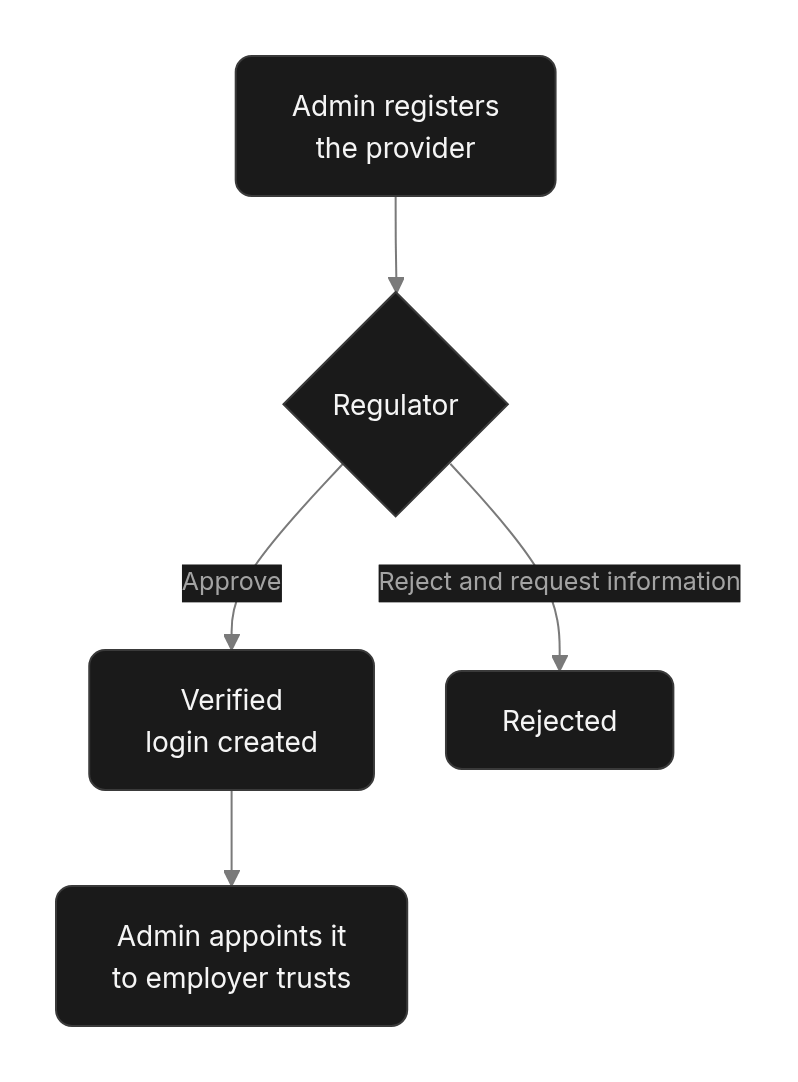
On approval, the provider gets a login: username = its reference in lower case, with a set-password link emailed to the contact person. The administrator can add more users for it under User Management.
User accounts
- Every account is created by the platform (automatically on approval) or by the administrator. Nobody signs up.
- The person sets their own password from an emailed link. The link works once and expires after 72 hours; the administrator can send a new one.
- Passwords need at least 12 characters, including a letter and a number.
- Each account has one role and one organisation. See Roles and responsibilities.