
Before you start: the regulator must have verified your trustee organisation. The account email is sent to your organisation’s contact person.
Your account
When the regulator verifies your trustee organisation, the platform creates an operator account and emails a link to set your password. Your username is your trustee reference in lower case, for exampleptr-1792206912023-1001. Setting the password and signing in work the same for every user; see Set your password and Sign in.
The dashboard
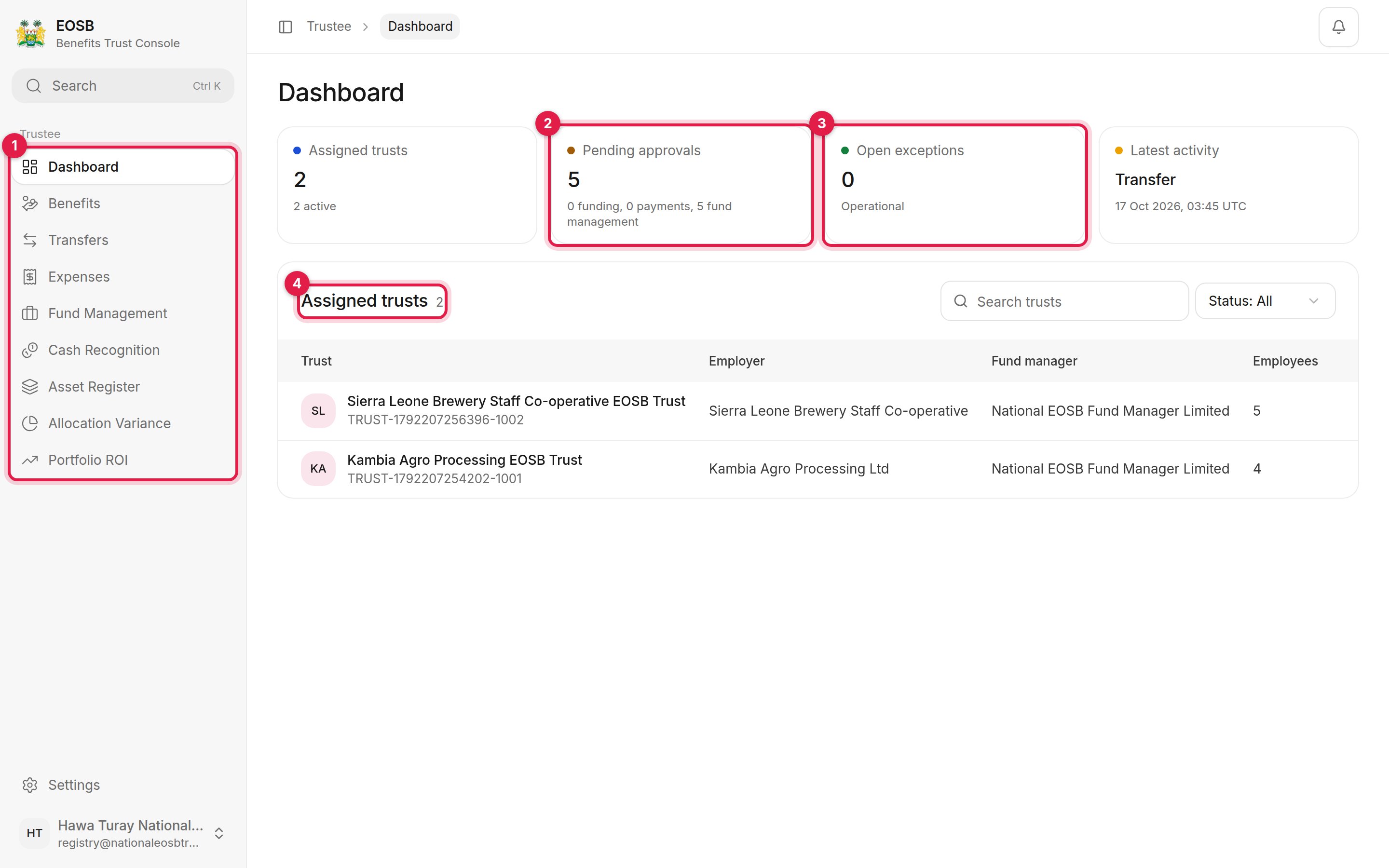
The trustee dashboard
-
Navigation — one entry per task:
- Pending approvals — everything waiting for you, split into funding, payments and fund management.
- Open exceptions — compliance exceptions on your trusts. Operational means there are none.
- Assigned trusts — every trust you hold, with its employer, fund manager and number of employees.
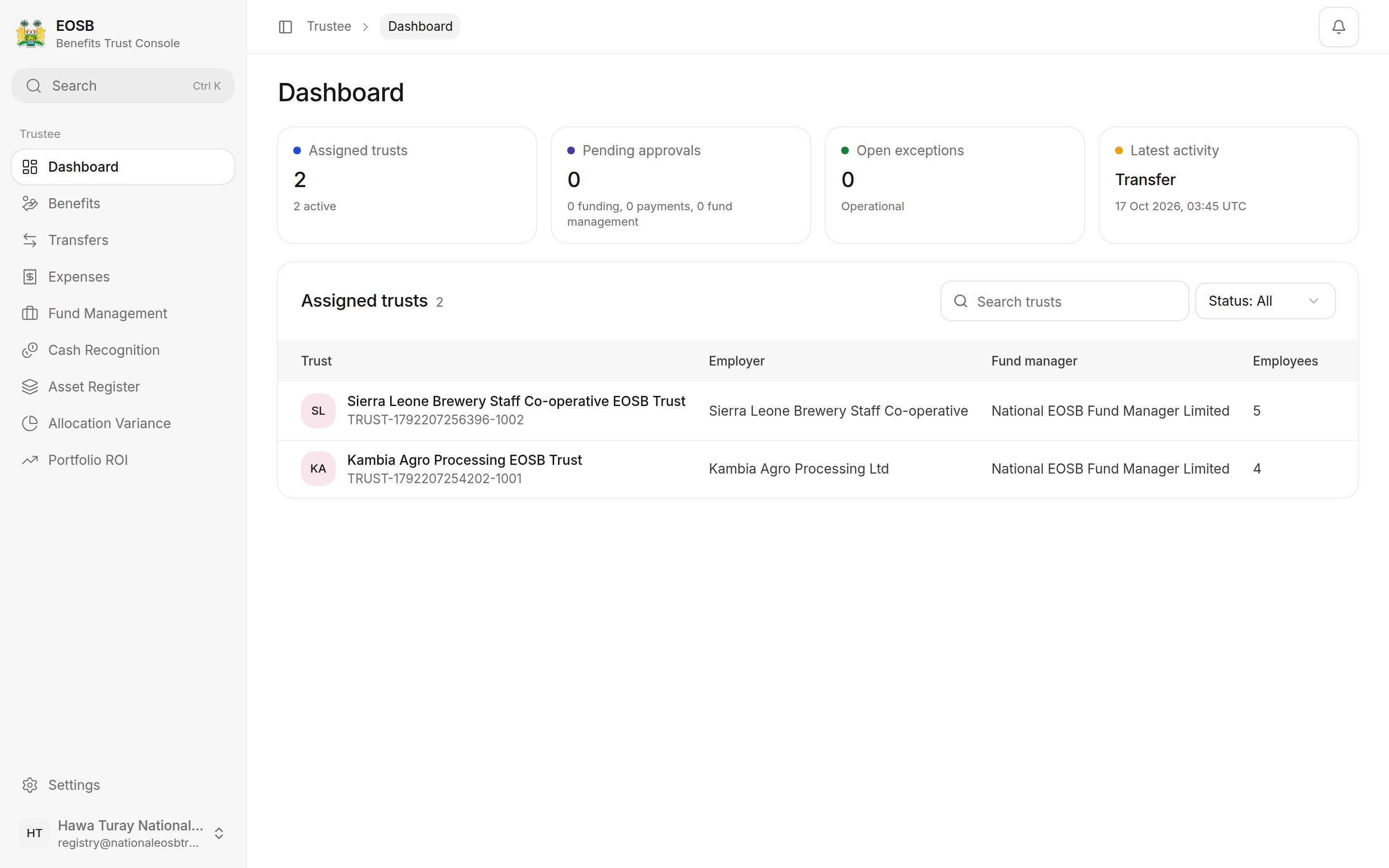
Nothing waiting