> ## Documentation Index
> Fetch the complete documentation index at: https://docs.eosb.org/llms.txt
> Use this file to discover all available pages before exploring further.
# Transaction ledger
> Inspect any active employer's EOSB liability postings, funding and classification.
The ledger shows one employer's full position: what it owes its employees, what it has paid into its trust, and every entry behind both. Use it to follow up a monthly accrual or to check how well an employer is funded.
**Where:** **Transaction Ledger** in the menu, then choose an employer.
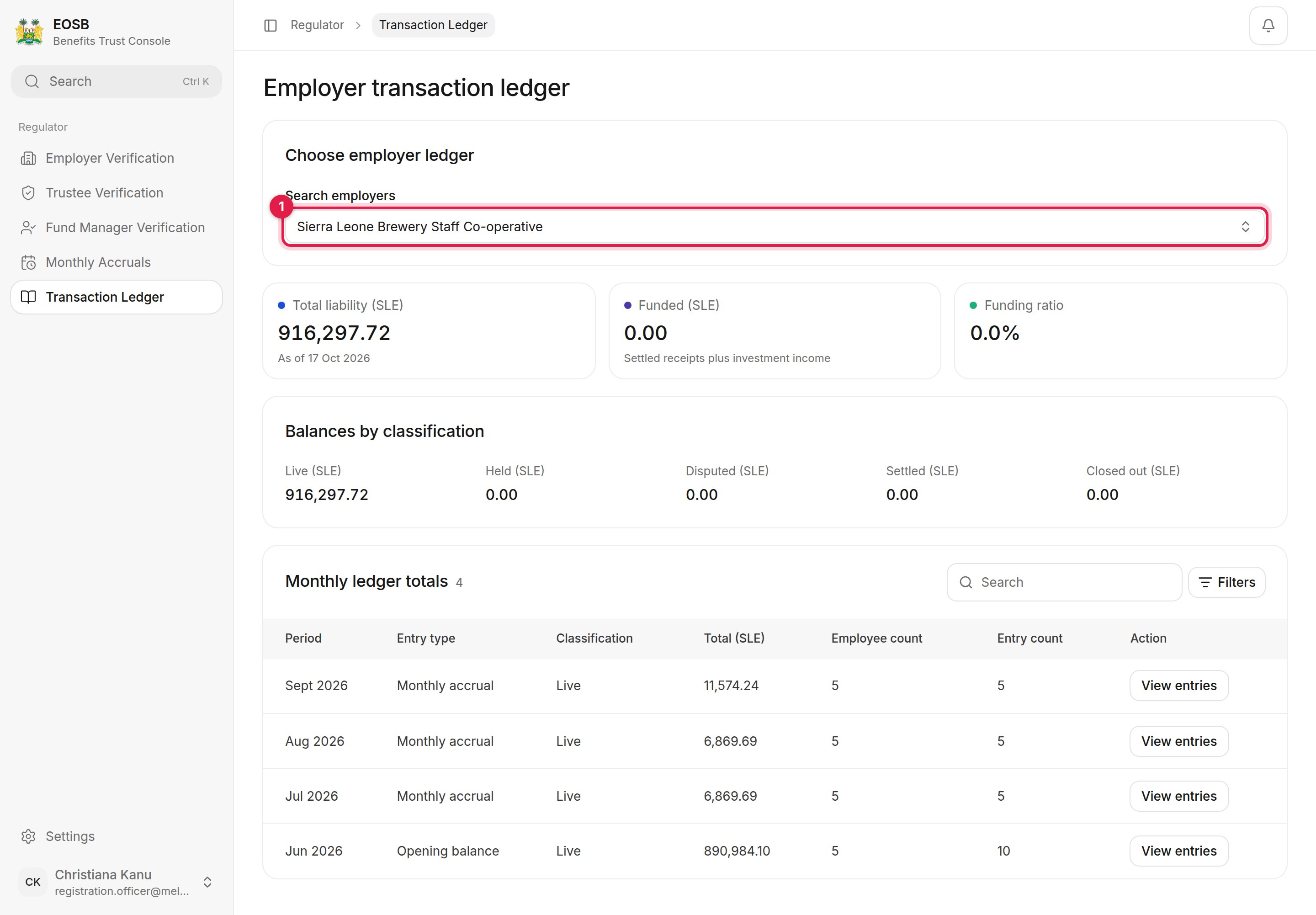 Search by name or employer profile ID. Only **active** employers are listed.
* **Total liability (SLE)** — what the employer owes its employees, as of today
* **Funded (SLE)** — settled payments into the employer's trust plus investment income
* **Funding ratio** — funded divided by liability
* **Balances by classification** — live, held, disputed, settled and closed-out benefits
Each row is one month and one type of entry: **Opening balance**, **Monthly accrual** or **Funding receipt**. Use **Filters** to narrow by date, classification or entry type.
Search by name or employer profile ID. Only **active** employers are listed.
* **Total liability (SLE)** — what the employer owes its employees, as of today
* **Funded (SLE)** — settled payments into the employer's trust plus investment income
* **Funding ratio** — funded divided by liability
* **Balances by classification** — live, held, disputed, settled and closed-out benefits
Each row is one month and one type of entry: **Opening balance**, **Monthly accrual** or **Funding receipt**. Use **Filters** to narrow by date, classification or entry type.
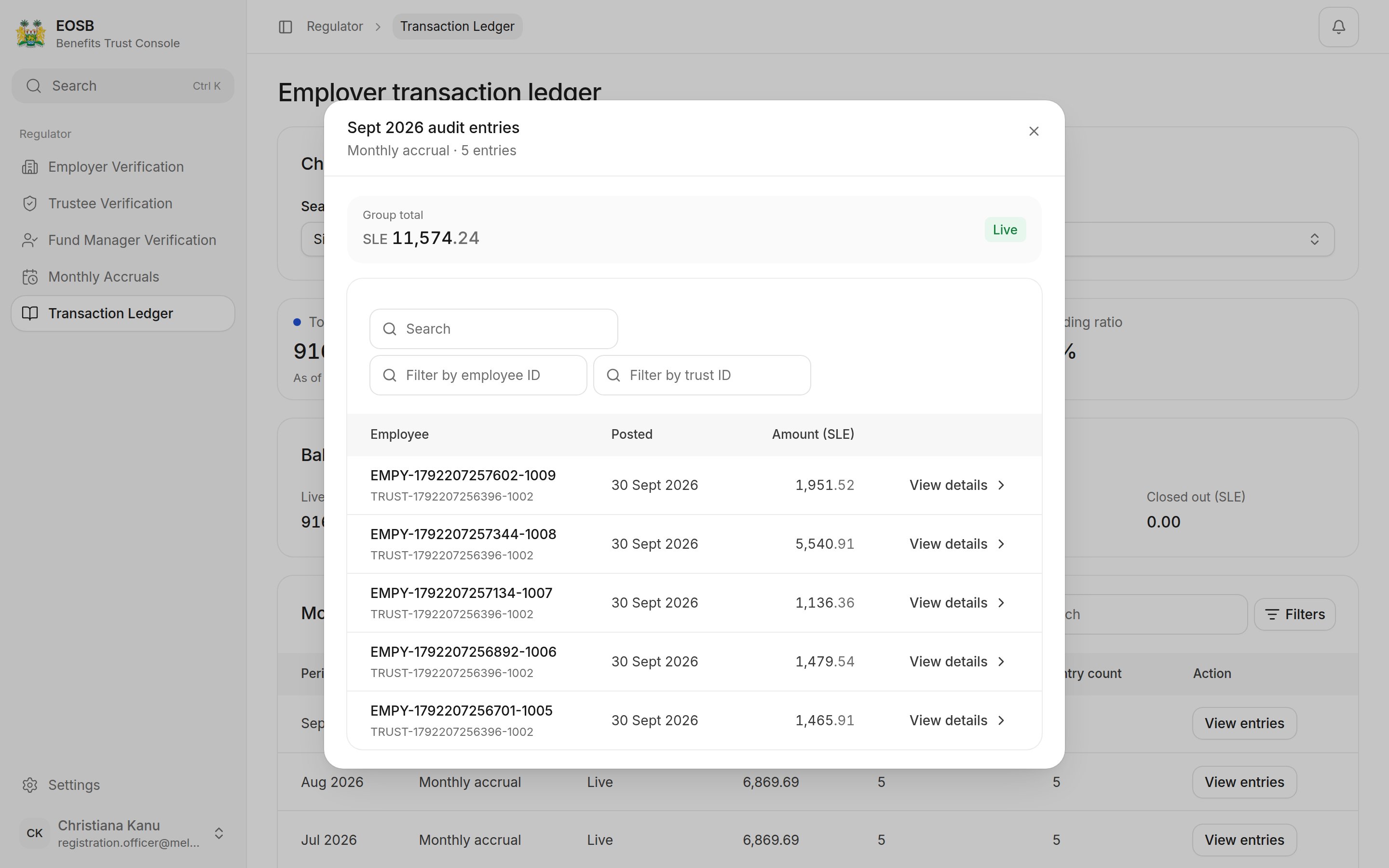 The ledger works the same way as the employer's own view; see the [employer's transaction ledger](/employer/transaction-ledger) for the classifications and entry types.
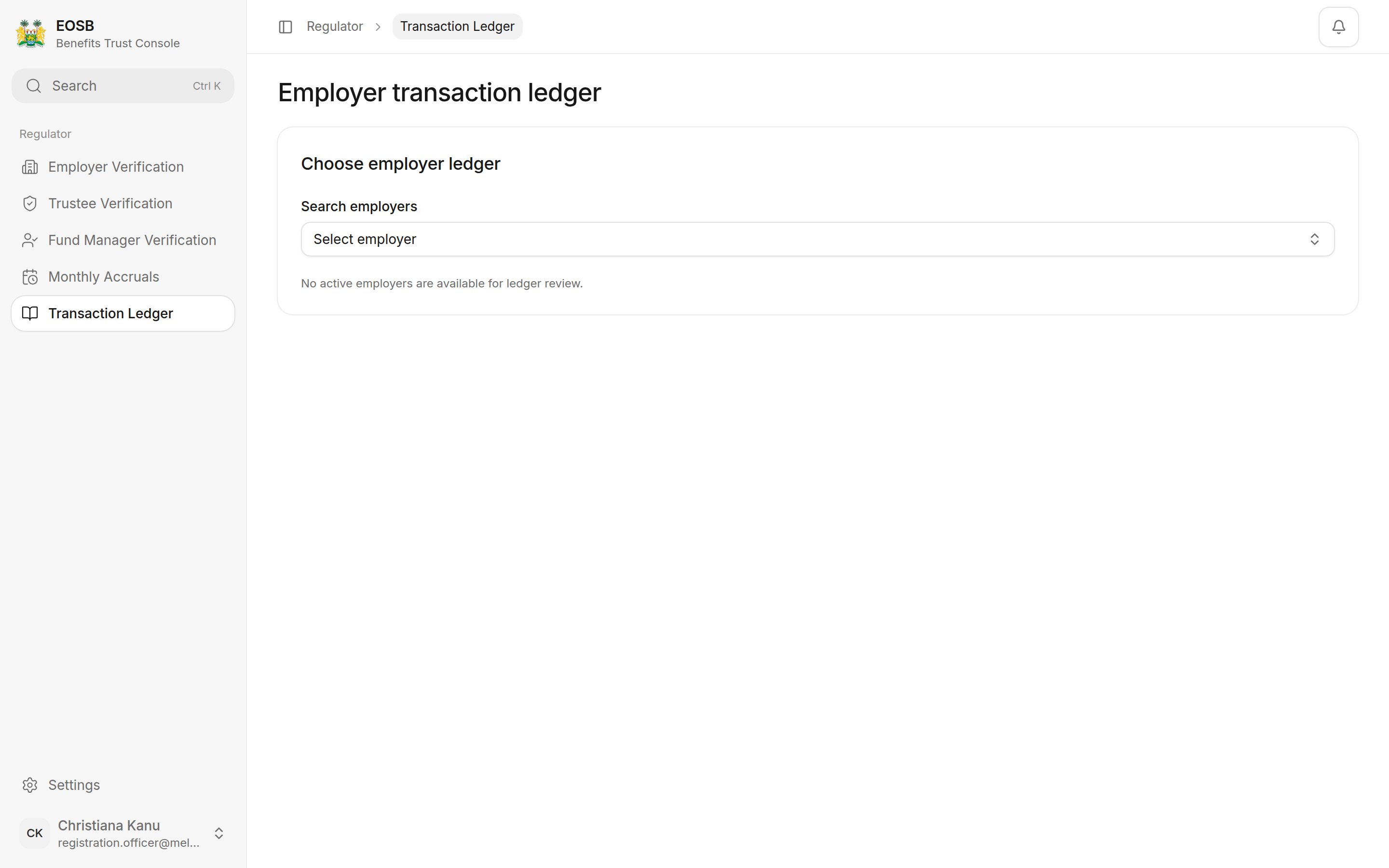 The funding ratio compares money confirmed into the trust with the benefits owed. A low or falling ratio means the employer is not paying in as fast as its liability grows. Only payments the trustee has confirmed count, so a payment the employer has submitted but the trustee has not yet approved does not show here.
This documentation is built and hosted on [Mintlify](https://mintlify.com), a developer documentation platform.
The funding ratio compares money confirmed into the trust with the benefits owed. A low or falling ratio means the employer is not paying in as fast as its liability grows. Only payments the trustee has confirmed count, so a payment the employer has submitted but the trustee has not yet approved does not show here.
This documentation is built and hosted on [Mintlify](https://mintlify.com), a developer documentation platform.