> ## Documentation Index
> Fetch the complete documentation index at: https://docs.eosb.org/llms.txt
> Use this file to discover all available pages before exploring further.
# Transaction ledger
> See how your total liability and funding are built up, month by month and employee by employee.
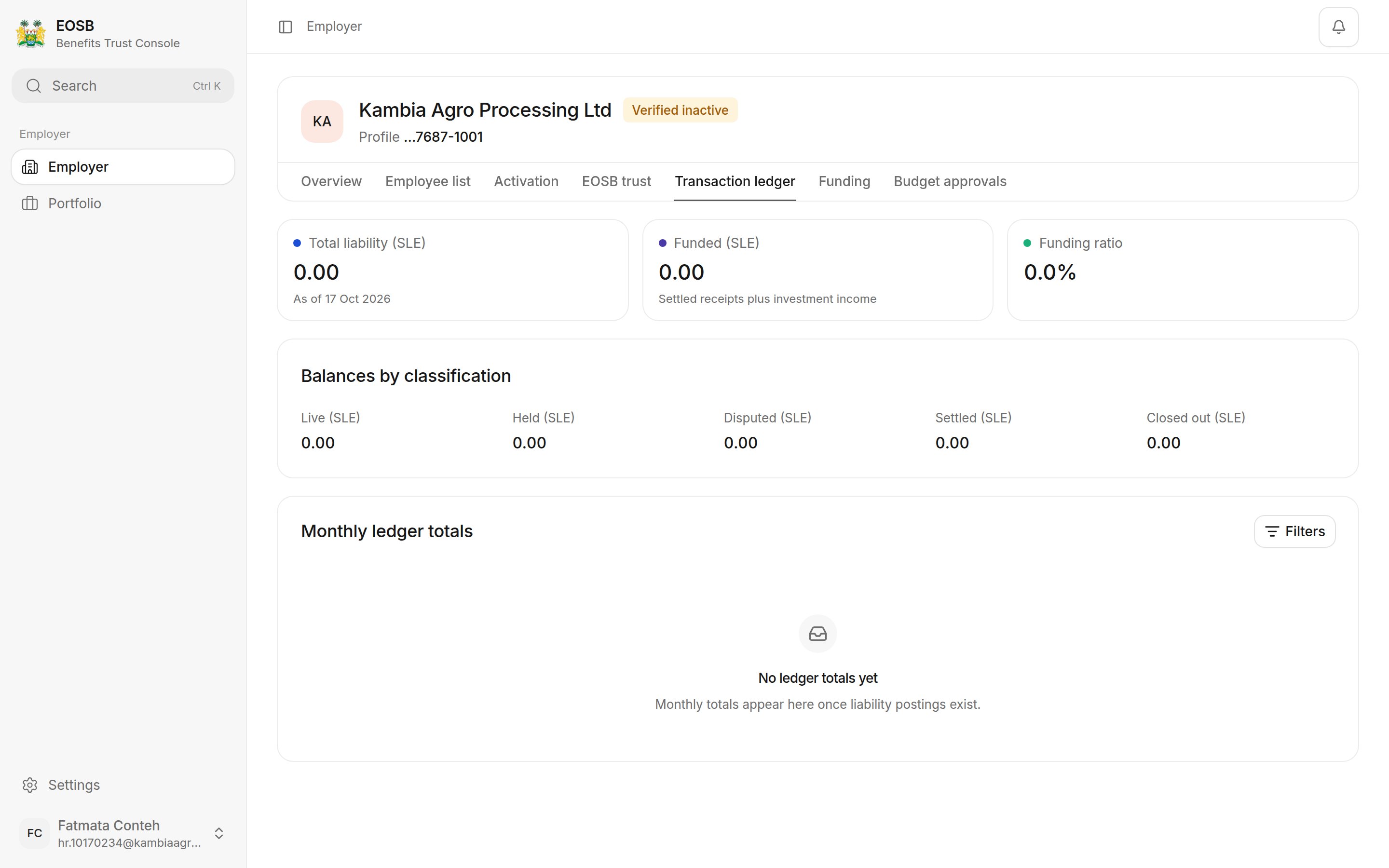
The ledger is the full history behind your Overview figures. It records every amount that changes what you owe your employees, and every payment into the trust. Nothing here is entered by hand: entries come from registrations, the monthly accrual and confirmed payments.
**Where:** Employer › **Transaction ledger**.
 ## Reading the ledger
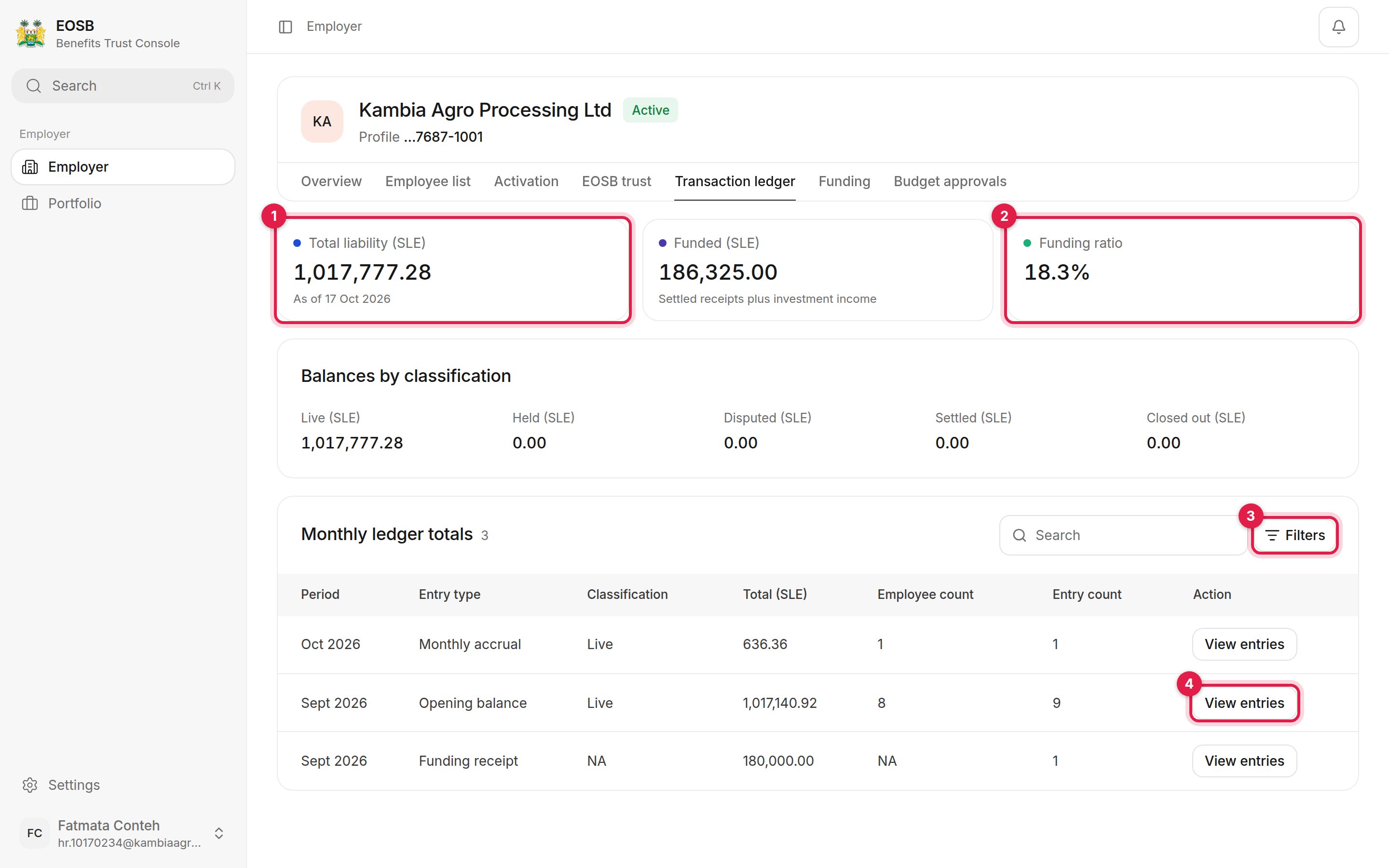 1. **Total liability (SLE)** — the benefits your employees have earned, as of the date shown.
2. **Funding ratio** — the funded amount divided by total liability. **Funded (SLE)** counts settled receipts plus investment income.
3. **Filters** — narrow the monthly totals by date range, classification or entry type.
4. **View entries** — open the individual entries behind a monthly total.
**Balances by classification** splits your liability:
| Classification | Meaning |
| - | - |
| Live | Benefits of current employees, still accruing |
| Held | Benefits placed on hold |
| Disputed | Benefits under dispute |
| Settled | Benefits that have been settled |
| Closed out | Benefits that have been closed out and no longer accrue |
**Monthly ledger totals** groups entries by month and type:
| Entry type | Comes from |
| - | - |
| Opening balance | Benefits earned before employees joined the platform |
| Monthly accrual | Benefits earned during the month |
| Funding receipt | Payments confirmed into the trust |
## Filter the totals
1. **Total liability (SLE)** — the benefits your employees have earned, as of the date shown.
2. **Funding ratio** — the funded amount divided by total liability. **Funded (SLE)** counts settled receipts plus investment income.
3. **Filters** — narrow the monthly totals by date range, classification or entry type.
4. **View entries** — open the individual entries behind a monthly total.
**Balances by classification** splits your liability:
| Classification | Meaning |
| - | - |
| Live | Benefits of current employees, still accruing |
| Held | Benefits placed on hold |
| Disputed | Benefits under dispute |
| Settled | Benefits that have been settled |
| Closed out | Benefits that have been closed out and no longer accrue |
**Monthly ledger totals** groups entries by month and type:
| Entry type | Comes from |
| - | - |
| Opening balance | Benefits earned before employees joined the platform |
| Monthly accrual | Benefits earned during the month |
| Funding receipt | Payments confirmed into the trust |
## Filter the totals
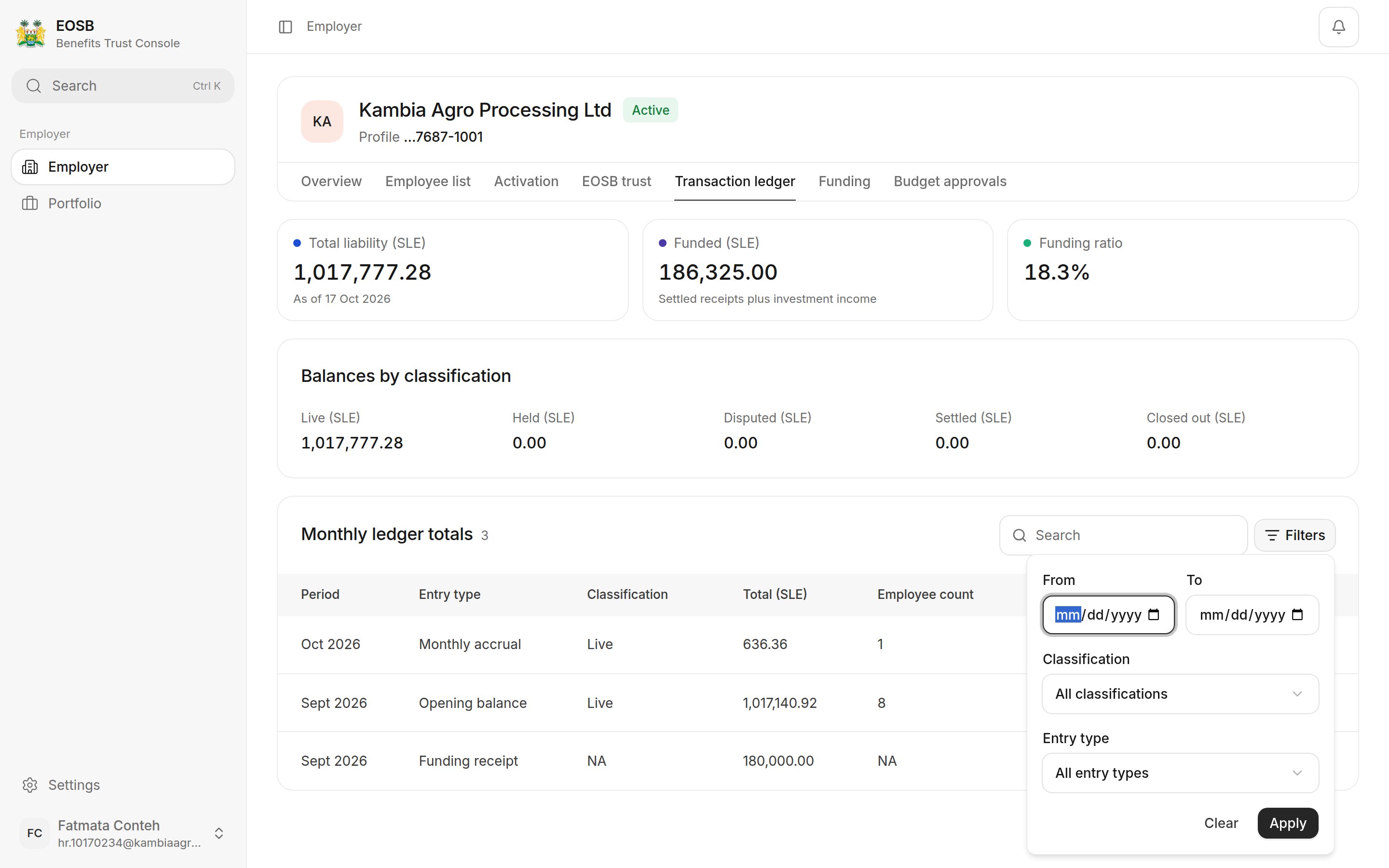 Set **From** and **To**, **Classification** and **Entry type**, then select **Apply**. **Clear** removes the filters.
## See the entries behind a total
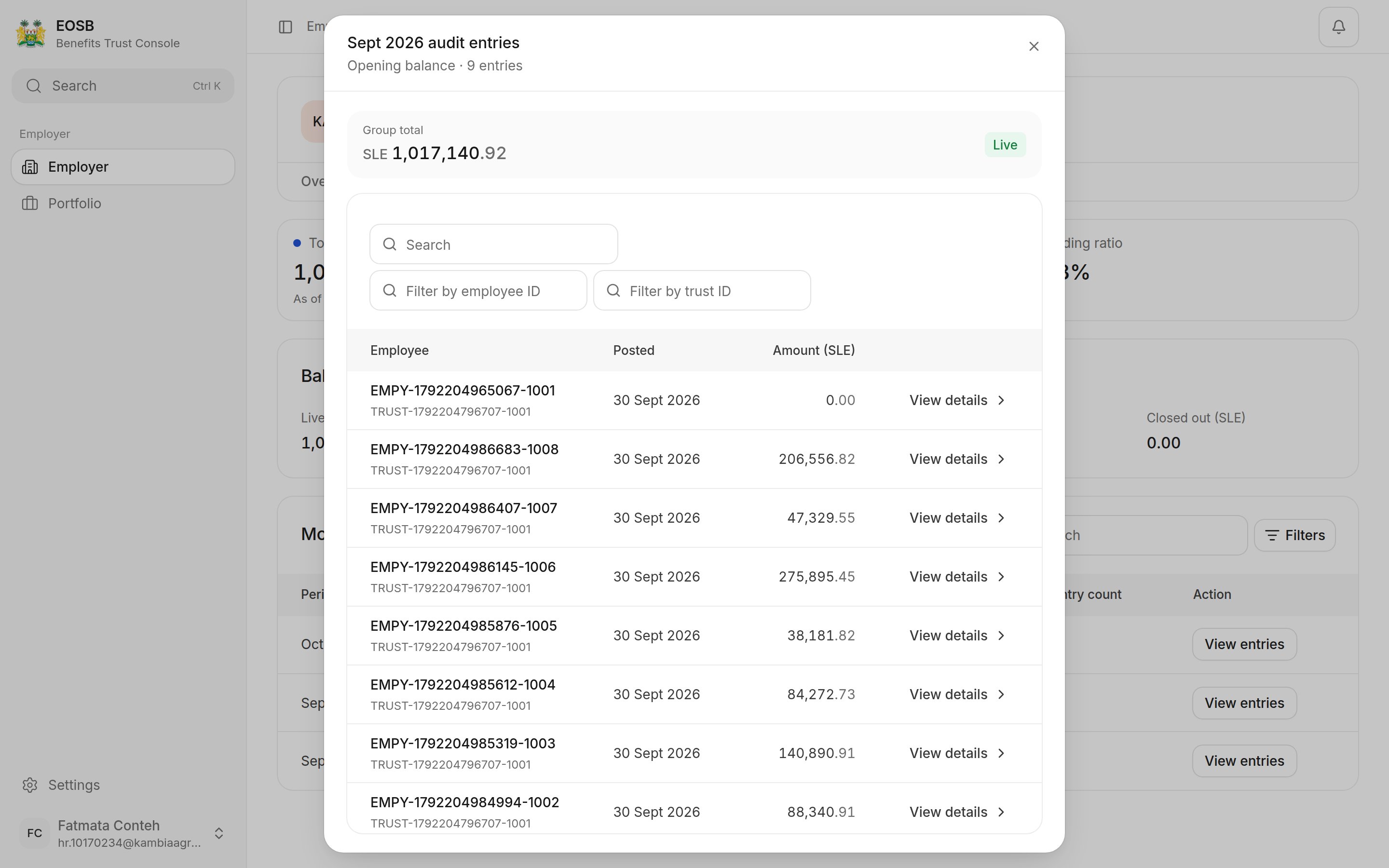
Select **View entries** on a row. The window lists each entry with the employee ID, trust, posting date and amount. Filter by employee ID or trust ID, and select **View details** for one entry.
Set **From** and **To**, **Classification** and **Entry type**, then select **Apply**. **Clear** removes the filters.
## See the entries behind a total
Select **View entries** on a row. The window lists each entry with the employee ID, trust, posting date and amount. Filter by employee ID or trust ID, and select **View details** for one entry.
 To understand how each amount is worked out, see [How benefits are calculated](/employer/how-benefits-are-calculated).
This documentation is built and hosted on [Mintlify](https://mintlify.com), a developer documentation platform.
To understand how each amount is worked out, see [How benefits are calculated](/employer/how-benefits-are-calculated).
This documentation is built and hosted on [Mintlify](https://mintlify.com), a developer documentation platform.